Posted: July 11th, 2012 | Author: max | Filed under: Database, Features, New release | Tags: Database, features, release | No Comments »
We are super excited the announce the availability of Tiggzi Database (beta). Tiggzi Database is a cloud database that provides a backend and storage for your mobile app. You already know that any using 3rd party REST API is very easy in Tiggzi app builder. Every REST API provides some specific functionality. For example, if you use Facebook API you can easily post a message to the timeline, but what happens if you need to store data specific to your app? Let’s say you are building a todo app - where can you store the list of things to do? That’s exactly where Tiggzi database comes in. It comes with elegant REST APIs so you can easily show, create, edit, and delete app data. Tiggzi database comes with built-in User Management. It’s powerful, scalable and easy to use. It works seamlessly with Tiggzi app builder.
You can access Tiggzi database today at http://io.tiggzi.com. From tiggzi.com, go to My Account, then click on Database.
On the first page you can see a lit of all your databases, you can also create a new database:
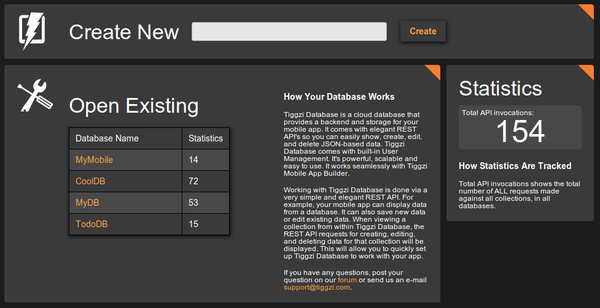
Once you select a database, you will see all the collections in the database:
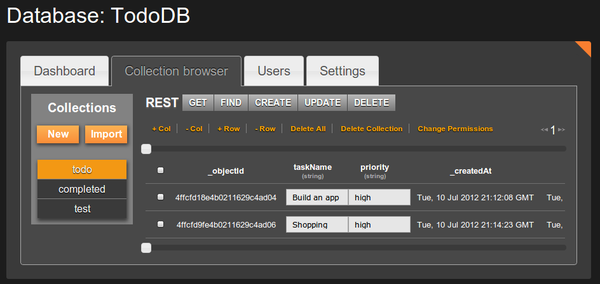
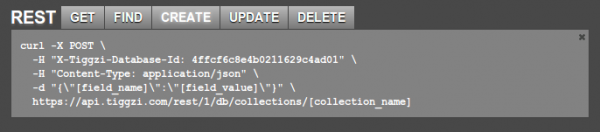
A very nice feature is that you get curl command hints. This will enable you to define a service in Tiggzi app builder very quickly:
In Tiggzi app builder, defining a service is as simple as this:
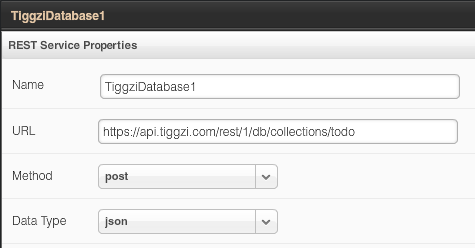
Keep in mind that this service is still in beta. We got a lot more features we want to add, such as push, analytics and server-side code. Database docs are here. We also would love to hear your feedback. Let us know of the forum, email, Twitter or Facebook.
Posted: May 17th, 2012 | Author: max | Filed under: Features, jQuery Mobile, New release, Windows Phone | Tags: features, jQuery Mobile, release, Windows Phone | No Comments »
Tiggzi mobile app builder got some new and cool stuff in May release.
jQuery Mobile 1.1
jQuery Mobile was updated to the latest stable version 1.1.
Windows Phone Export
We just added Windows Phone code export.
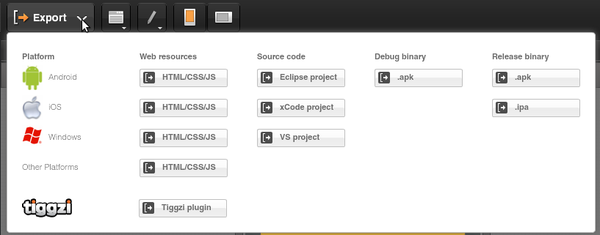
We are also planning to add binary build. For now, once you export the project you can jump to PhoneGap Build and get the binary there. Or, you can always build it yourself.
UI breadcrumbs, plus easier delete
A really nice feature in Tiggzi visual builder is the ability to have containers such as grid and place other components inside. To make it super easy to select a particular component we just added breadcrumbs. It makes it very easy to navigate the UI by clicking the component id in the breadcrumbs bar.
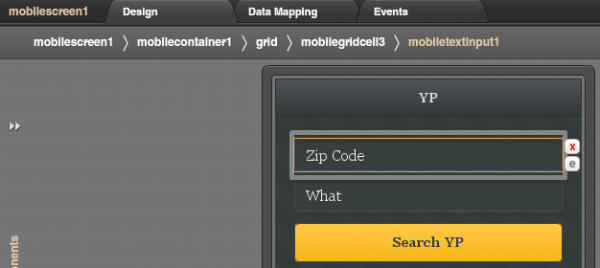
In addition to breadcrumbs, we made it very easy to delete an element. Simply click on the red x icon. Clicking on the e icon will open Events view for the component.
Plug-in Properties
With new Plug-in properties, any service information such as API keys can be entered in one place and reused by any number of services. A small but nice feature to save time.
Code generation update
OK, the was requested for a long time. If you name your page MyCoolPage, in the resulting app it will be MyCoolPage.html. If you upload an image called MyCoolImage.png, in the resulting app it will be MyCoolImage.png. Yes, as simple as that, but a very important feature.
Posted: May 10th, 2012 | Author: max | Filed under: Features, New release | Tags: features, release | No Comments »
In our April release we introduced two new mobile components: Datepicker and Carousel.
Datepicker
Datepicker has been requested by our users and allows to select date from a calendar popup. This is how the component looks when displayed on the page (not activated)
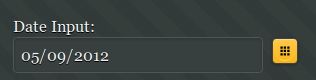
and this is how it looks when activated:
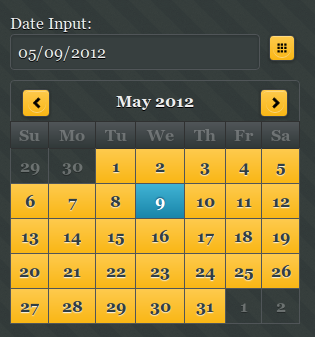
The component comes with a number of useful options such as setting the earliest and latest date you can select. This is great for validation. Setting the Sunday or Monday as start day of the week as well as being able to edit months and days labels.
Note that Datepicker is a plug-in and not yet an official component in the jQuery Mobile library.
Carousel
Carousel consists of one or more panels which can be switched with a swipe (left or right).
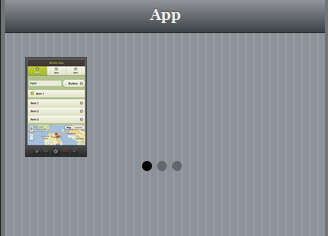
The three dots indicate the number of items in the carousel. This component is best tested on the actual mobile device. Also note that only Webkit-based browsers support this component (Android and iOS).
Both components are available in any project (old or new) in the Mobile UI palette.
Posted: April 23rd, 2012 | Author: charley | Filed under: Features, New release | Tags: features, iOS, jQuery Mobile, PhoneGap, release | 3 Comments »
The Tiggzi team keeps making the great even better, as you can see in this latest release of Tiggzi Mobile App Builder. New features include everything from iOS binary builds to updated support for jQuery Mobile and PhoneGap. Read on to find out more. Read the rest of this entry »
Posted: March 21st, 2012 | Author: max | Filed under: Features, New release | Tags: features, jQuery Mobile, release | No Comments »
Last week we had our March release. Here is what’s new and cool.
Really Awesome jQuery Mobile Themes
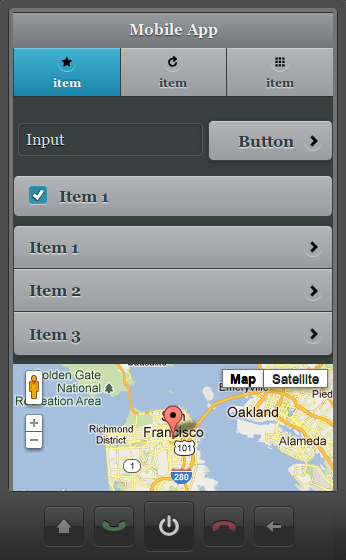
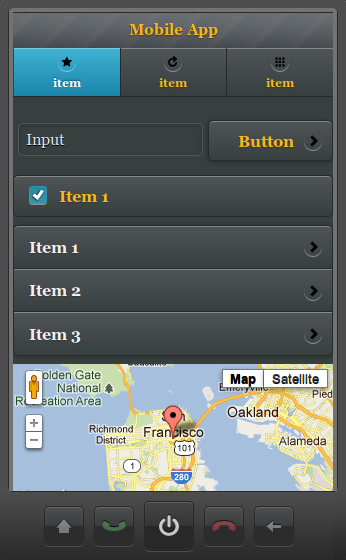
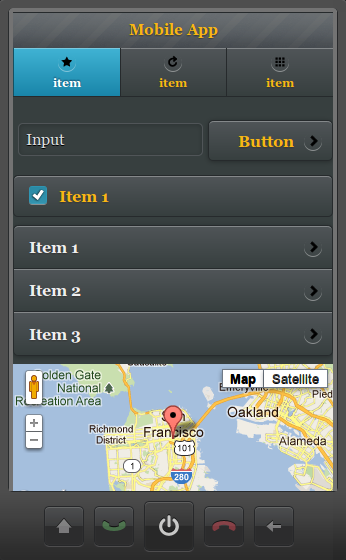
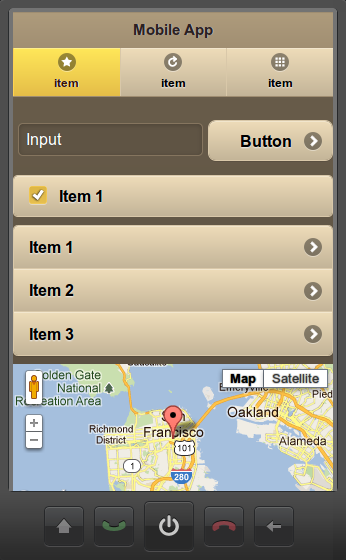
We just added a bunch of new and awesome jQuery Mobile themes and swatches. Here is how the new Tiggzi dark-gray theme looks:
Check out the rest here
Plugins
Plugins make it possible to package services, screens, images as a “plugin” and then add the plugin to any other project. You can even create custom project templates from plugins. A plugin is created by selecting Export > Tiggzi plugin:
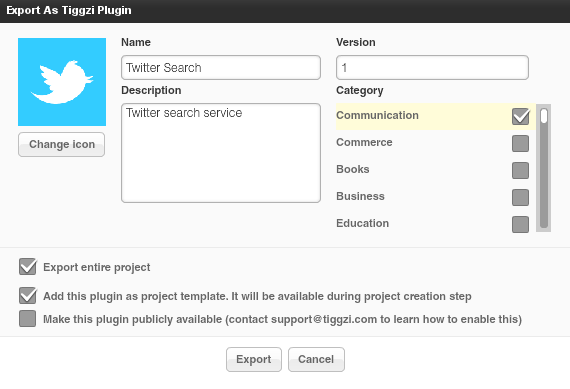
To learn more, read plugins documentation.
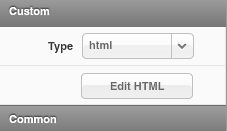
Panel - add any custom HTML code
The Tiggzi visual editor is pretty cool but we know very well that being able to insert any custom code is a must have feature. In this release we added a new Panel component which can be.
- div
- html (any custom HTML code)
- span
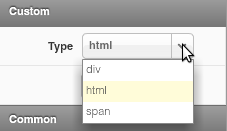
Create Custom CSS
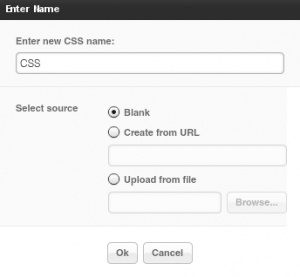
Staying on the topic of customazing your app, in addition to being able to add any JavaScript you can now also create a custom CSS file:
Visual jQuery Mobile-JSON mapper improvements
A number of improvements were were do the visual data mapper. Once a connection is mapped, a grey dotted line appears to indicate to which variable the connection is made. 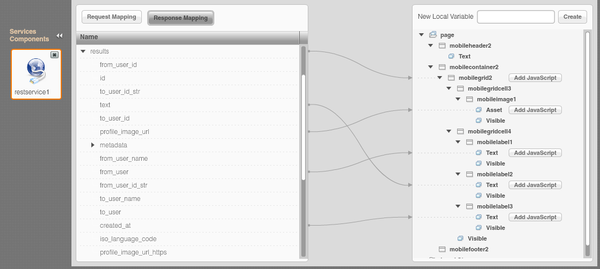
Documentation updated
We spent the last couple of days updating Tiggzi documentation with all the new features. We’d love to hear your feedback. One thing we are definitely going to add is more tutorials!
Posted: March 21st, 2012 | Author: max | Filed under: Features, New release | Tags: features, jQuery Mobile, release | No Comments »
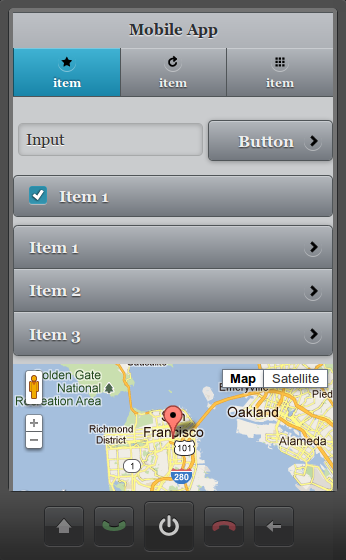
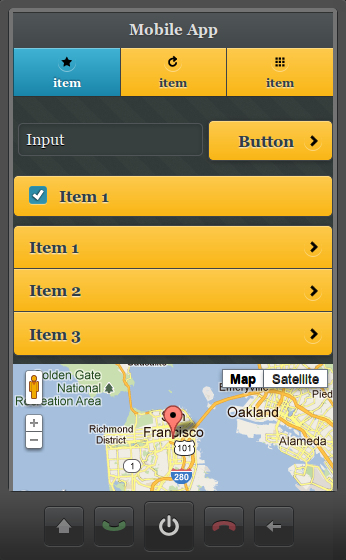
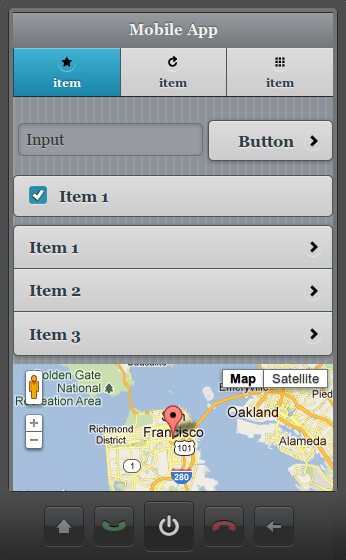
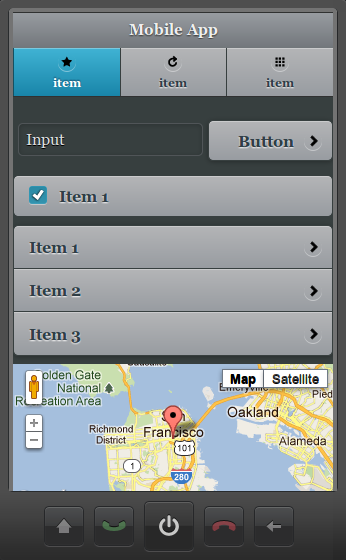
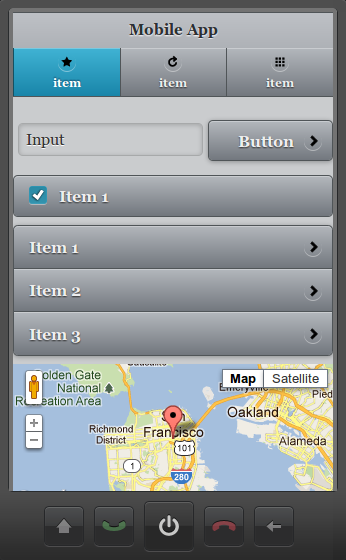
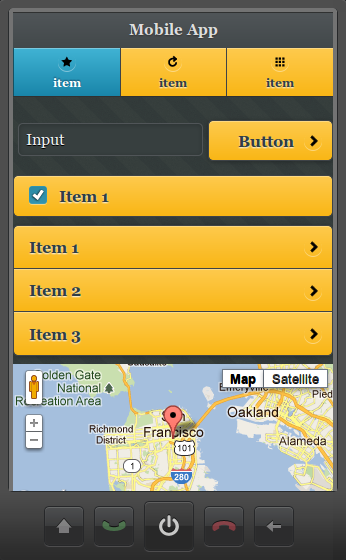
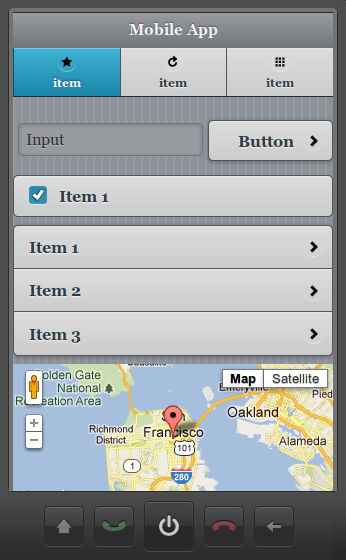
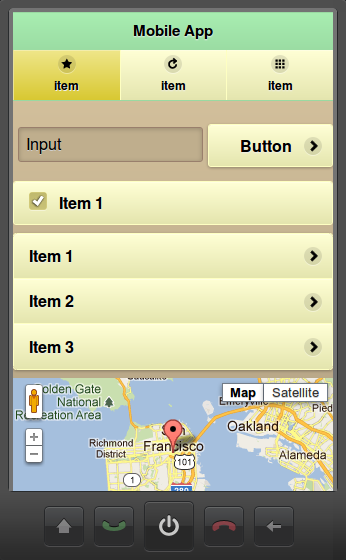
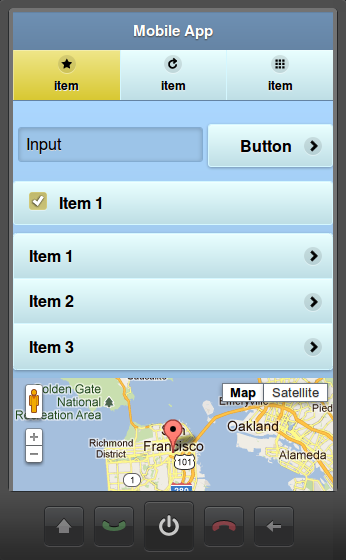
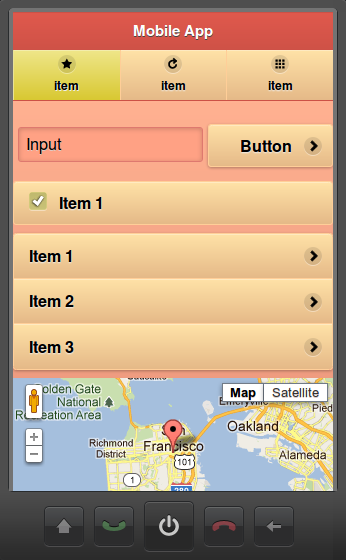
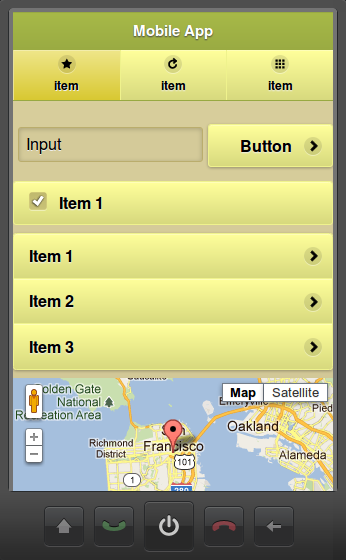
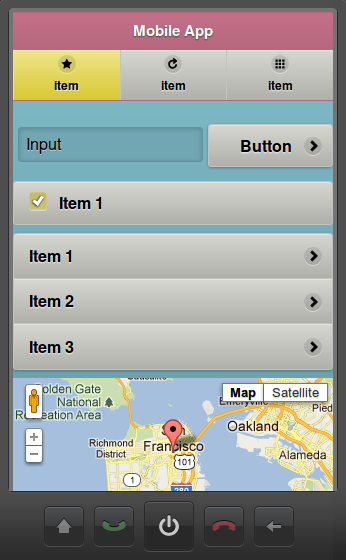
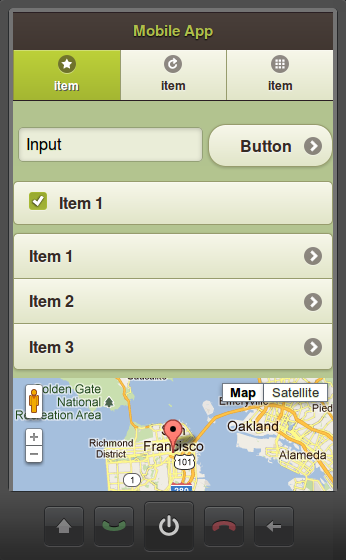
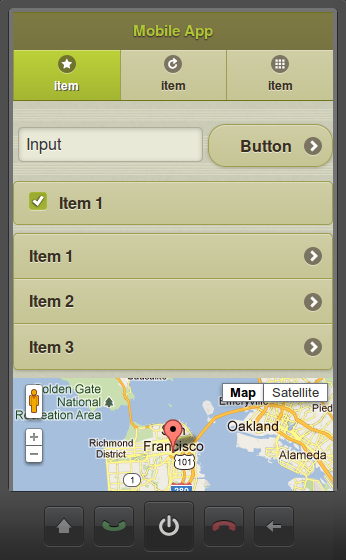
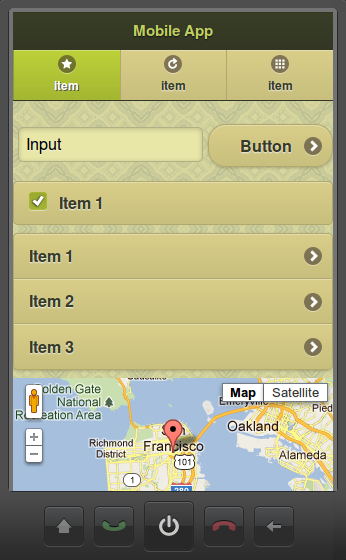
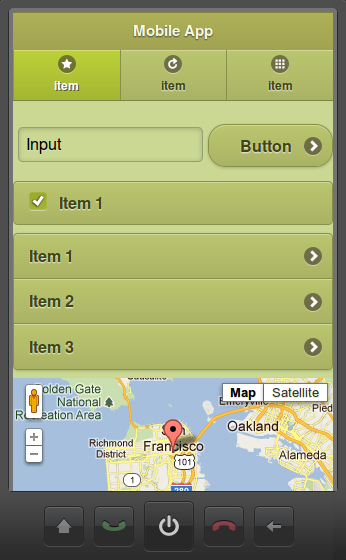
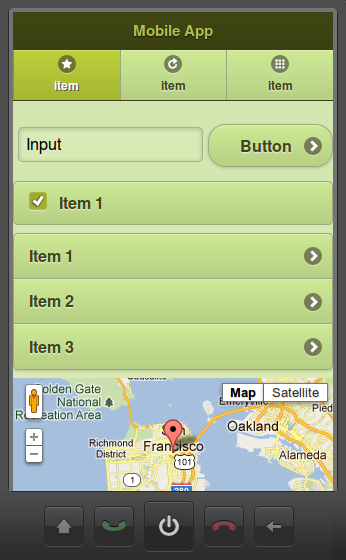
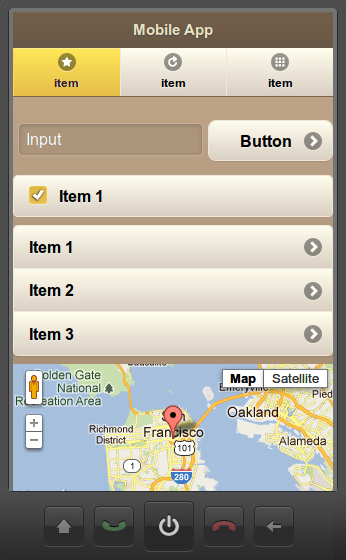
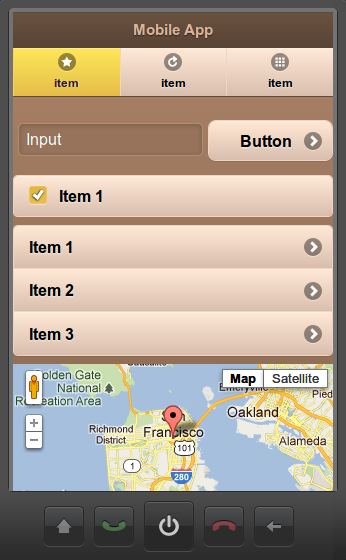
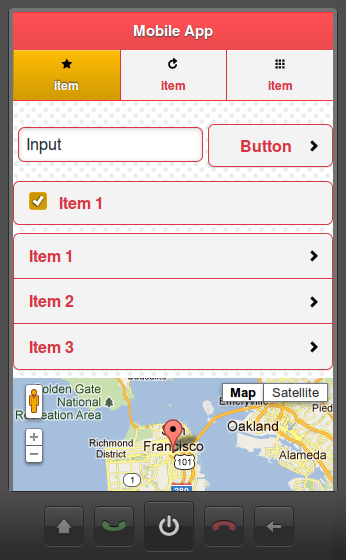
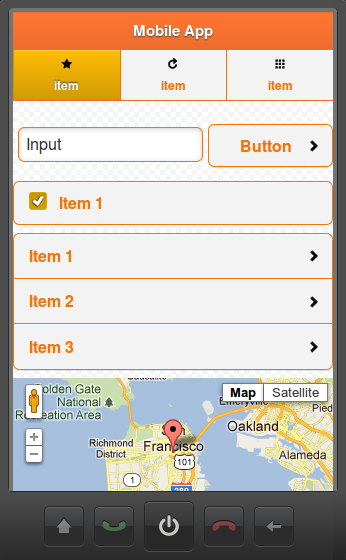
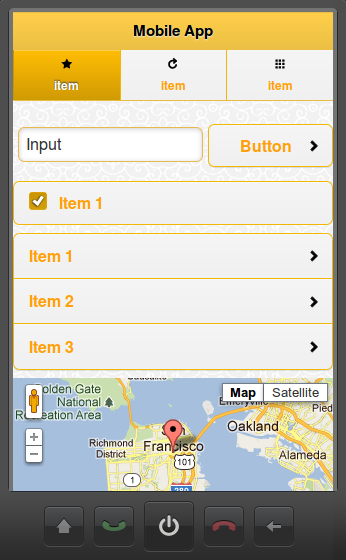
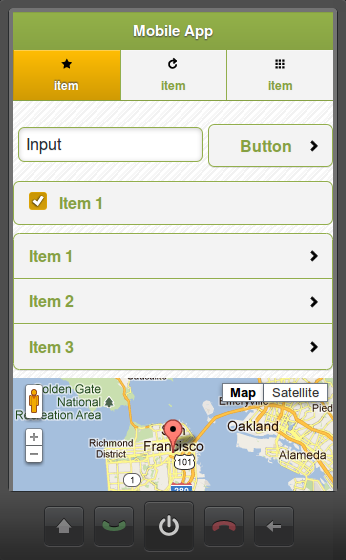
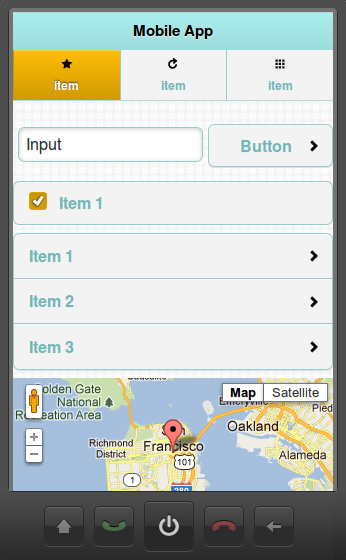
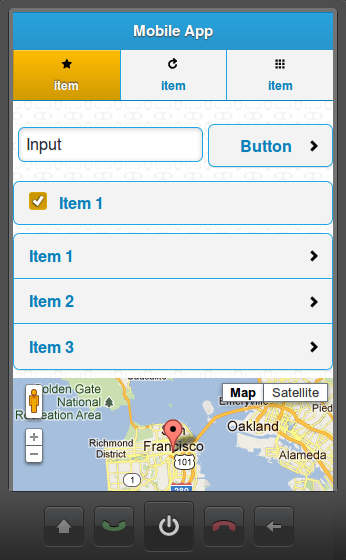
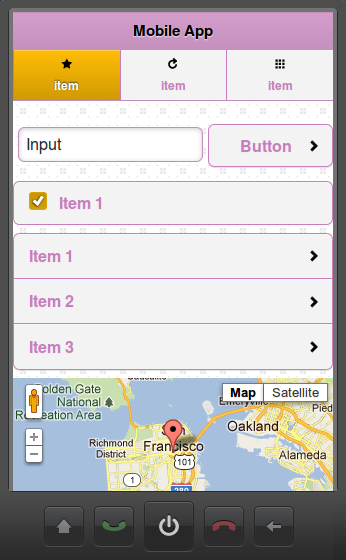
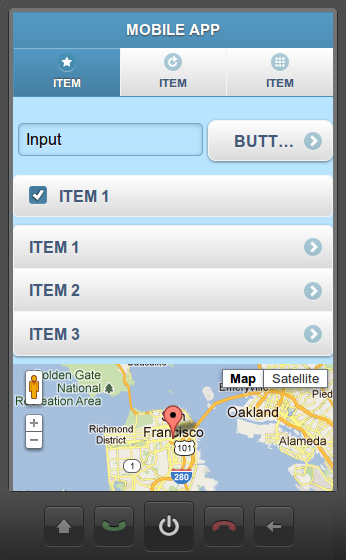
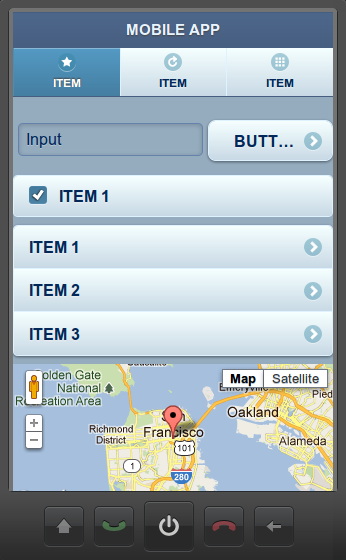
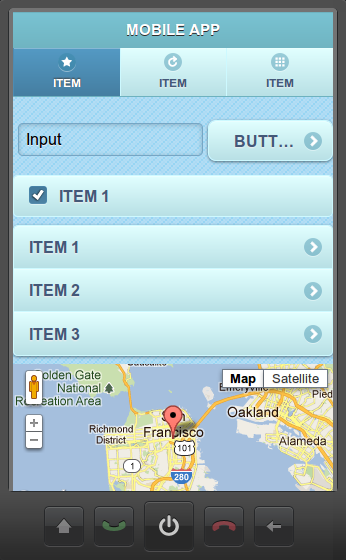
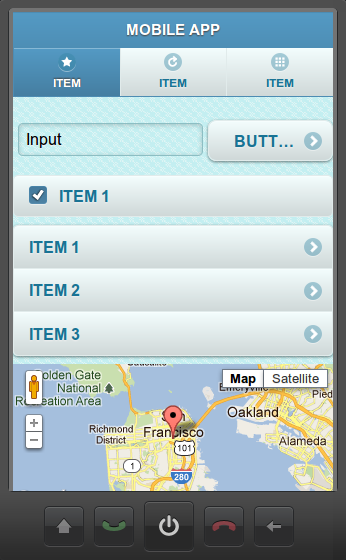
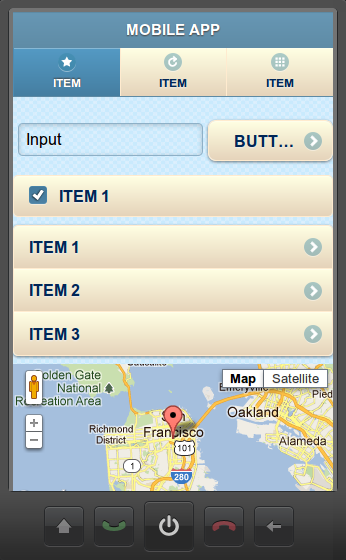
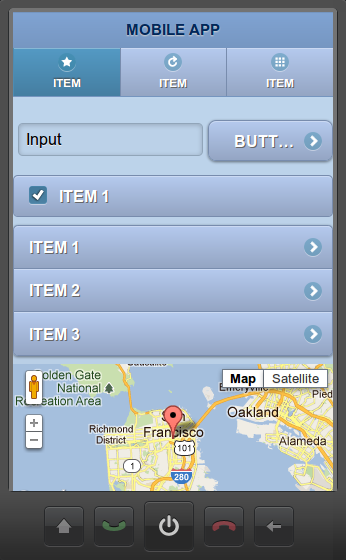
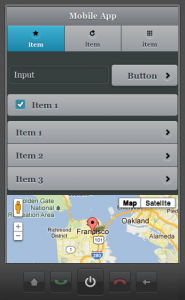
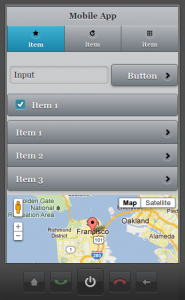
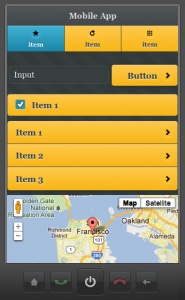
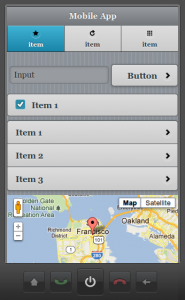
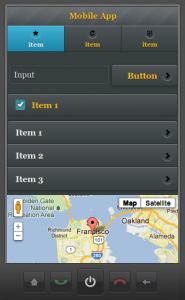
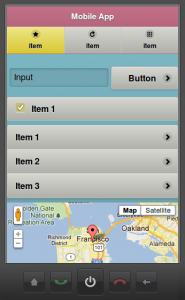
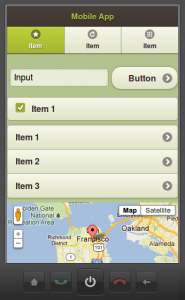
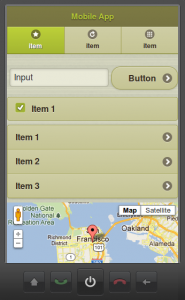
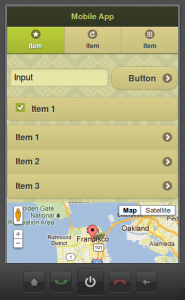
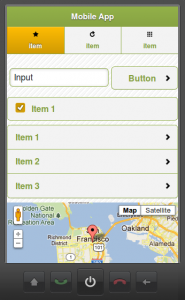
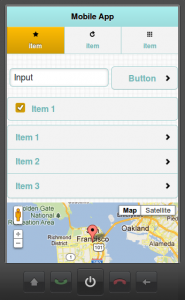
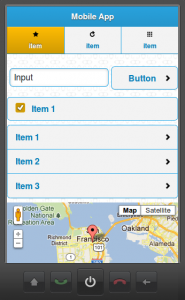
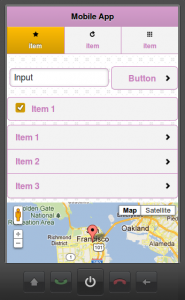
In addition to standard jQuery Mobile themes, we just added a bunch of new and awesome themes and swatches to Tiggzi Mobile App Builder.
Tiggzi Dark-gray themes
-
-
Dark-grey, A
-
-
Dark-grey, B
-
-
Dark-grey, C
-
-
Dark-gray, D
-
-
Dark-grey, E
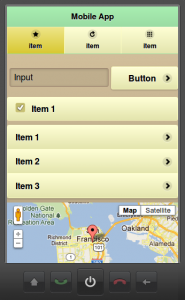
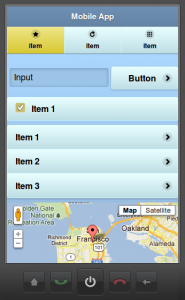
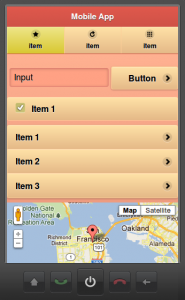
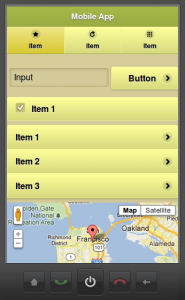
Tiggzi Pastel themes
-
-
Pastel, A
-
-
Pastel, B
-
-
Pastel, C
-
-
Pastel, B
-
-
Pastel, E
Tiggzi Olive themes
-
-
Olive, A
-
-
Olive, B
-
-
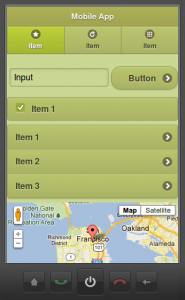
Olive, C
-
-
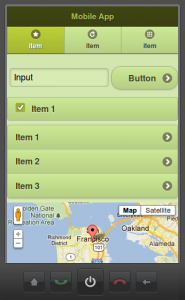
Olive, D
-
-
Olive, E
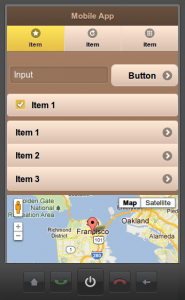
Tiggzi Cappuccino themes
-
-
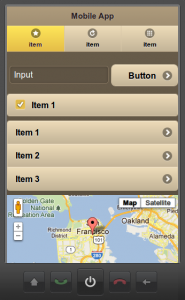
Cappuccino, A
-
-
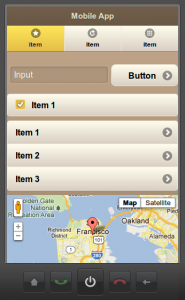
Cappuccino, B
-
-
Cappuccino, C
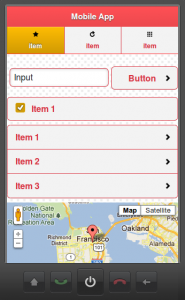
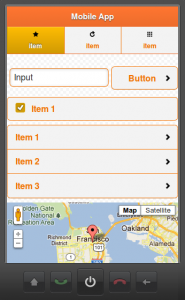
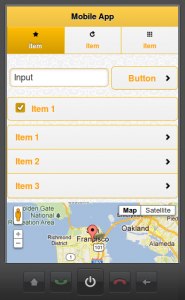
Tiggzi Rainbow-plain themes
-
-
Rainbow-plain, A
-
-
Rainbow-plain, B
-
-
Rainbow-plain, C
-
-
Rainbow-plain, D
-
-
Rainbow-plain, E
-
-
Rainbow-plain, F
-
-
Rainbow-plain, G
Tiggzi Winter themes
-
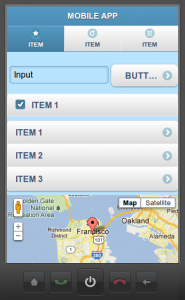
-
Winter, A
-
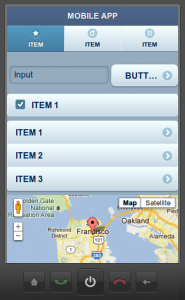
-
Winter, B
-
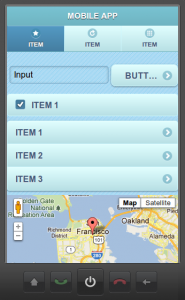
-
Winter, C
-
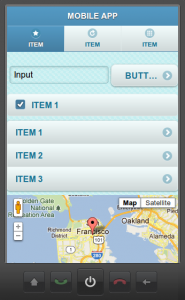
-
Winter, D
-
-
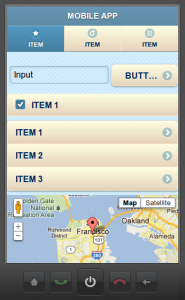
Winter, E
-
-
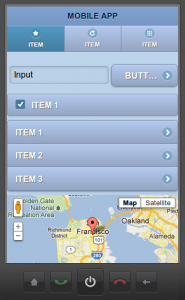
Winter, F
You can set the swatch name from screen properties:
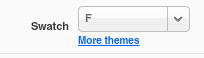
or click More themes link to change the theme:
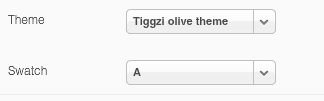
Posted: March 1st, 2012 | Author: max | Filed under: Features, New release | Tags: features, release | No Comments »
We recently pushed a new release of Tiggzi Mobile App Buider and here are some of the most important new features.
PhoneGap 1.4
PhoneGap version was upgraded to the latest and greatest version 1.4. Every mobile app project automatically comes with PhoneGap 1.4 included, nothing you need to do. You can easily invoke any PhoneGap API and we also provide special Device palette with components based on PhoneGap API.
jQuery Mobile Ajax Navigation
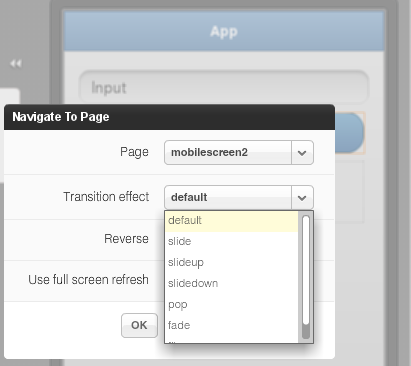
This feature has been requested for some time and now it’s available. When defining page navigation, you can now select transition effect
New jQuery Mobile Visual Data Mapper
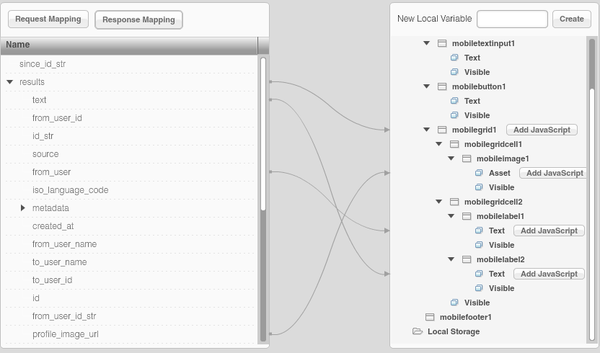
We have switched to a new and more powerful jQuery Mobile data mapping. To create mappings, simply select a variable and drag and connect to the other side. When you drag service variables into the page, the page nodes will automatically expand so you don’t necessarily need to open the page nodes ahead of time. The new mapper will allow us to expose all component properties and add additional powerful features.
HTML5 Audio Control
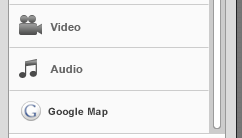
In addition to video control, we also just added HTML5 audio control:
Sign up and try Tiggzi Mobile App Builder today.
Posted: January 30th, 2012 | Author: max | Filed under: Features, New release | Tags: features, jQuery Mobile, release | No Comments »
In mid January we have released an update to Tiggzi mobile app builder and now every app (new or old) is based on jQuery Mobile version 1.0.
Now that there is a Free plan, nothing should stop you from building your mobile app.
Lastly, if you need to write any custom JavaScript in your app, here is how.
Posted: January 18th, 2012 | Author: max | Filed under: New release | Tags: release | 2 Comments »
If the mobile tester app is not working, here is how to fix it: http://gsfn.us/t/2lpo2. Sorry about this problem, we will push the app update very soon.
Update: the app has been updated and fixed.
Posted: September 18th, 2011 | Author: max | Filed under: Features, New release | Tags: features, release | 2 Comments »
Tiggr Mobile Apps Builder upgrades with brand-new UI and very cool new features.
Brand-new attractive UI
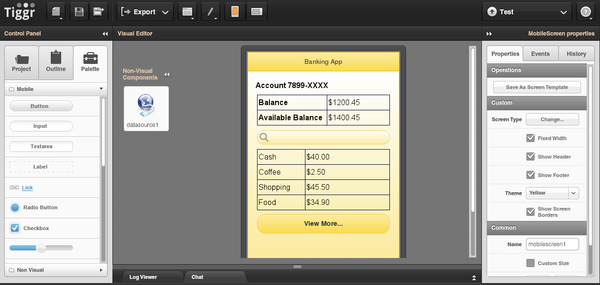
Tiggr Mobile Apps Builder got a new and very attractive UI. You can see how it looks below but the best way to experience it, is to log in or sign up. You will like it.
Upgraded export-and-build capability with support for Android, iOS, and mobile Web
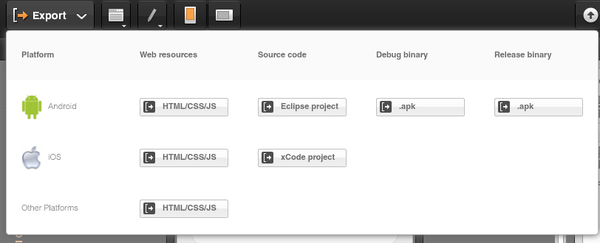
That’s big one. From the screen shot you can see that it’s now super easy to get the source code and build for Android and get the source code for iOS.
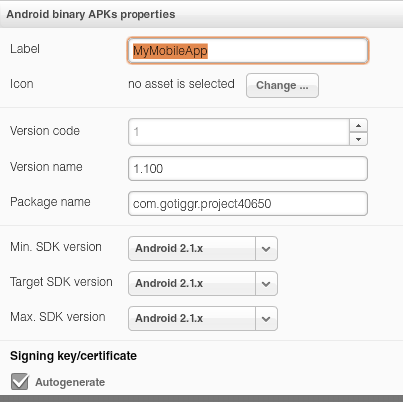
Android binary release (.apk) settings editor
What’s really cool is that you get get an Android binary and immediately publish it to the Android Market. How can you do that? Tiggr has a new Android .apk settings editor where you can enter all the information needed for the Android Market.
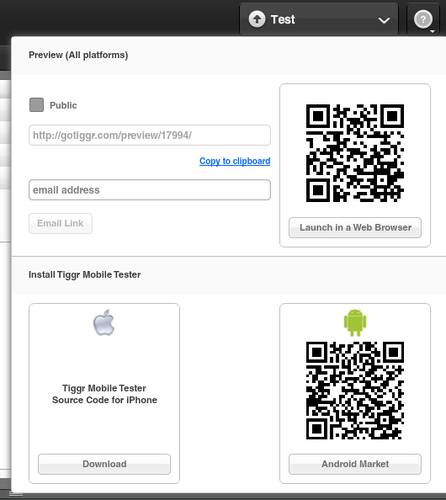
Upgraded test capability. Quickly test your app in a browser or on a mobile device
The Test screen has been upgraded. It’s now super easy to test the app in desktop Web browser, mobile Web browser, and on the actual device via Tiggr Mobile Tester.
Support added for REST XML services and for using the POST method
REST services are no longer limited to just JSON response format, Tiggr now supports XML. We have also improved ability to make POST requests.
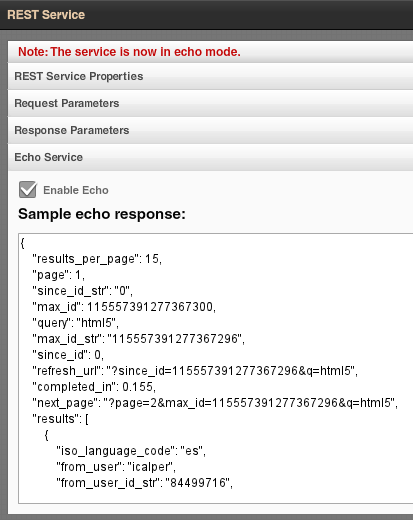
New service “echo” mode makes it possible to test the app without connecting to the actual service
To make it even easier to work with remote services, we have introduced an “echo” or mock service. Basically, instead of making a call to the actual remote service each time during development, you can invoke a local “echo” or mock service which returns a sample of the real data.
Use custom external JavaScript libraries in your app
To make it simpler to customise and use custom JavaScript, we have added a feature where any custom JavaScript library can be loaded and included in the app.

New Tiggr JavaScript framework to make it simpler to extend your apps with custom JavaScript
Check it out here.
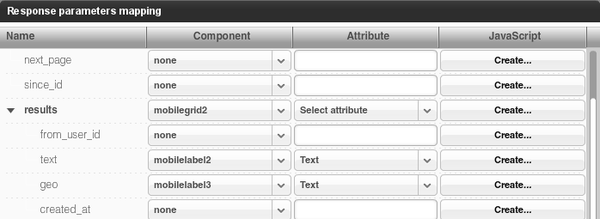
Create and use custom JavaScript functions when mapping service data to the UI
When mapping UI when data source, you can now specify custom JavaScript to run when the mapping occurs
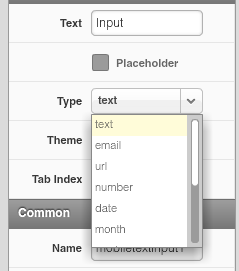
Improved support for HTML5 attributes and support for the HTML5 video tag
We have added HTML5 input types, attributes such as placeholder and HTML5 video tag.
New iPad screen layout
We added project template with iPad layout - to make it simple and faster build apps for the most popular tablet.