Posted: June 8th, 2012 | Author: max | Filed under: API, Features, Plugin | Tags: API, features, Plugin | No Comments »
In addition to AT&T SMS API Plug-in, we just made available AT&T mHealth API Plug-in in Tiggzi app builder.
mHealth gives you control over your health and wellness data and makes that data more accessible than ever before. With a rich ecosystem of supported devices and applications, mHealth enables you to manage your personal health and wellness from the palm of your hand, anytime, anywhere
Source: https://mhealth.att.com/what
In addition to REST services, the plug-in has two pages. On the first page there is a button to connect to mHealth. When you click on the button, mHealth login page will be opened. Once you login, you will be redirected back to the app and shown the second page. On the second page a simply REST service is invoked showing to what data access is available. The plug-in is set up with three scopes (/read/health/data/fitbit /read/health/data/poke /health/read/user). mHealth docs shows more available scopes.
To add the plug-in to your app:
- Create a new app, make sure to create Mobile App (not Mobile Web)
- Inside the builder, click on the “blocks” button in Projects view:
- Select Fitness category, then check the plug-in
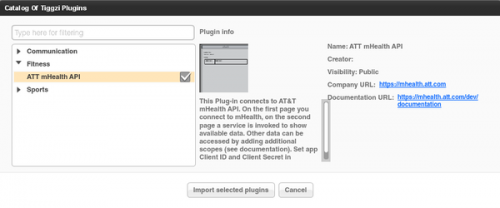
- Click Import selected plugins. You will be prompted to enter the client_id and client_secret information. This information can be obtained from mHealth app settings. You may skip it and enter it later
- Enjoy the plug-in!
The plug-in is just in time for AT&T Education Hackathon happening today and tomorrow in Palo Alto, CA. Tiggzi team will be there.
Posted: May 30th, 2012 | Author: max | Filed under: Features, jQuery Mobile | Tags: features, jQuery Mobile | No Comments »
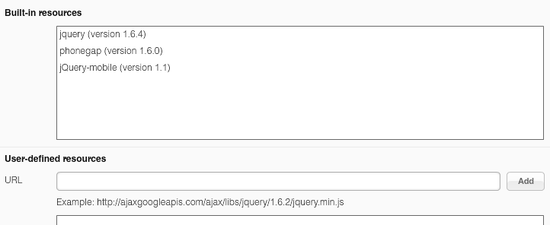
In our May release we upgraded to jQuery Mobile 1.1. This means that the app that you build in Tiggzi is using jQuery Mobile version 1.1. You can always check the version by going to Project view > Projects > Project Profile > Built-in resources:
As you probably know you get jQuery Mobile components in Tiggzi, plus some HTML5 components such as audio, video. There is also Google Maps component. Every jQuery Mobile component comes properties that can be configured. When building an app int Tiggzi, you simply select the component and can see all the properties which can be configured in the Properties view:
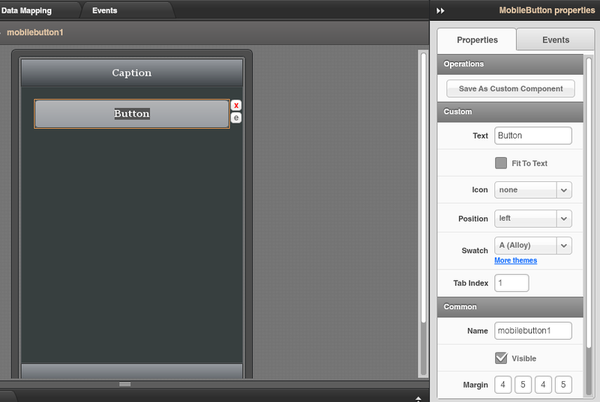
For some UI components, not all available properties are available in Properties view. For such cases, Tiggzi comes with a special More Properties button (at the very end):
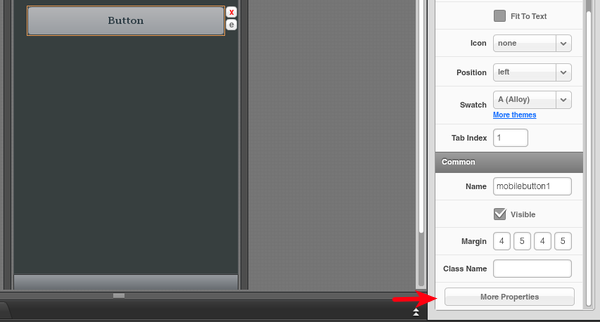
Via More Properties, you can add any attributes supported by the selected component. In fact, you are not limited to just setting properties which are not exposed in Properties view, you can set any properties. For example, adding these two properties:
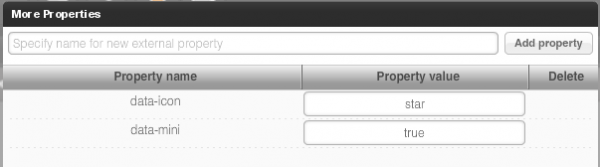
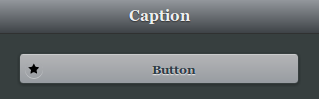
will result in this:
Have fun building apps, you now get the full power of jQuery Mobile.
Posted: May 17th, 2012 | Author: max | Filed under: Features, jQuery Mobile, New release, Windows Phone | Tags: features, jQuery Mobile, release, Windows Phone | No Comments »
Tiggzi mobile app builder got some new and cool stuff in May release.
jQuery Mobile 1.1
jQuery Mobile was updated to the latest stable version 1.1.
Windows Phone Export
We just added Windows Phone code export.
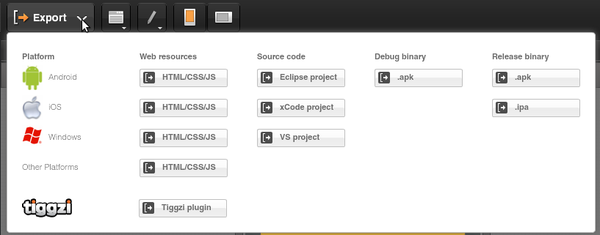
We are also planning to add binary build. For now, once you export the project you can jump to PhoneGap Build and get the binary there. Or, you can always build it yourself.
UI breadcrumbs, plus easier delete
A really nice feature in Tiggzi visual builder is the ability to have containers such as grid and place other components inside. To make it super easy to select a particular component we just added breadcrumbs. It makes it very easy to navigate the UI by clicking the component id in the breadcrumbs bar.
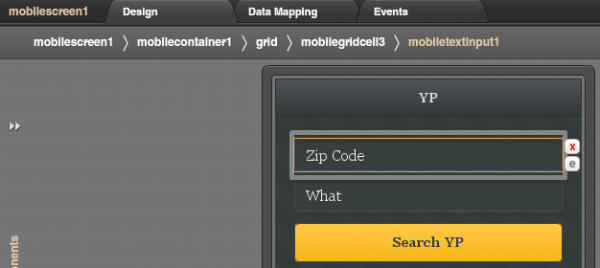
In addition to breadcrumbs, we made it very easy to delete an element. Simply click on the red x icon. Clicking on the e icon will open Events view for the component.
Plug-in Properties
With new Plug-in properties, any service information such as API keys can be entered in one place and reused by any number of services. A small but nice feature to save time.
Code generation update
OK, the was requested for a long time. If you name your page MyCoolPage, in the resulting app it will be MyCoolPage.html. If you upload an image called MyCoolImage.png, in the resulting app it will be MyCoolImage.png. Yes, as simple as that, but a very important feature.
Posted: May 10th, 2012 | Author: max | Filed under: Features, New release | Tags: features, release | No Comments »
In our April release we introduced two new mobile components: Datepicker and Carousel.
Datepicker
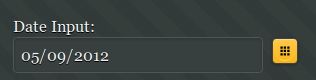
Datepicker has been requested by our users and allows to select date from a calendar popup. This is how the component looks when displayed on the page (not activated)
and this is how it looks when activated:
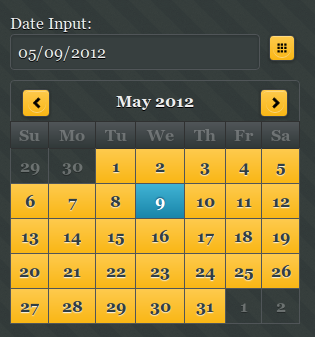
The component comes with a number of useful options such as setting the earliest and latest date you can select. This is great for validation. Setting the Sunday or Monday as start day of the week as well as being able to edit months and days labels.
Note that Datepicker is a plug-in and not yet an official component in the jQuery Mobile library.
Carousel
Carousel consists of one or more panels which can be switched with a swipe (left or right).
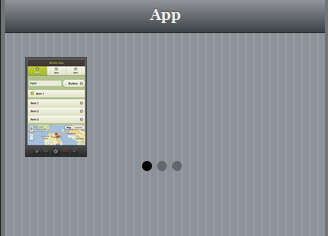
The three dots indicate the number of items in the carousel. This component is best tested on the actual mobile device. Also note that only Webkit-based browsers support this component (Android and iOS).
Both components are available in any project (old or new) in the Mobile UI palette.
Posted: May 7th, 2012 | Author: max | Filed under: Features | Tags: features | 1 Comment »
Last week we released a number of small but very useful features.
To delete any component from a screen is now incredibly simple. Select the component and click the red x icon:
When you click the e icon, it will take you to events for the component. You no longer need to open the actual action to see what it does. We have added a tool tip that shows what a particular action does:
Small, but very useful features.
We are also working on breadcrumbs inside the visual builder, to make it even simpler to select components.
Posted: April 23rd, 2012 | Author: Charley Cowens | Filed under: Features, New release | Tags: features, iOS, jQuery Mobile, PhoneGap, release | 3 Comments »
The Tiggzi team keeps making the great even better, as you can see in this latest release of Tiggzi Mobile App Builder. New features include everything from iOS binary builds to updated support for jQuery Mobile and PhoneGap. Read on to find out more. Read the rest of this entry »
Posted: March 30th, 2012 | Author: max | Filed under: Features | Tags: features | 3 Comments »
We got some cool stuff planned in our April release. Check it out:
- New components
- iOS binary build
- Ability to add any property to a UI element (without JavaScript)
- Data mapping improvements. We are working on adding mapping support for all jQuery Mobile components
- PhoneGap, jQuery Mobile updates to latest (stable) versions
You can always check the roadmap here: http://help.tiggzi.com/roadmap
In case you missed it, here is what we released in March.
Posted: March 21st, 2012 | Author: max | Filed under: Features, New release | Tags: features, jQuery Mobile, release | No Comments »
Last week we had our March release. Here is what’s new and cool.
Really Awesome jQuery Mobile Themes
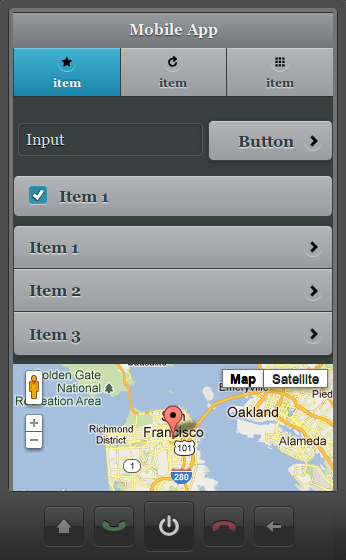
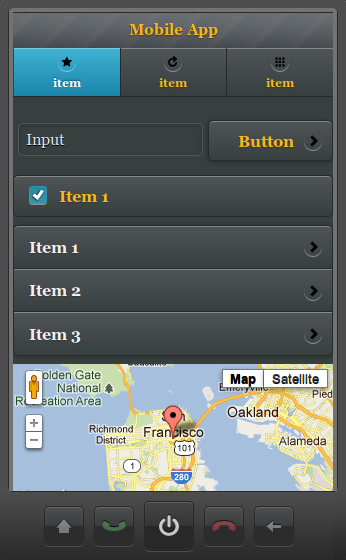
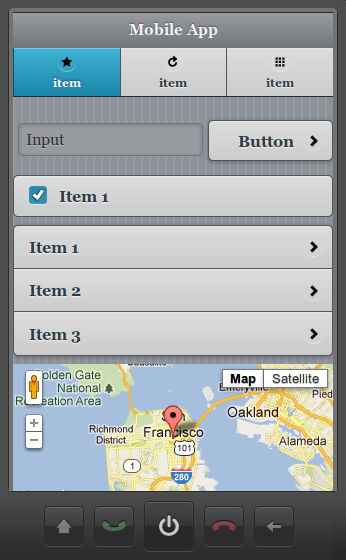
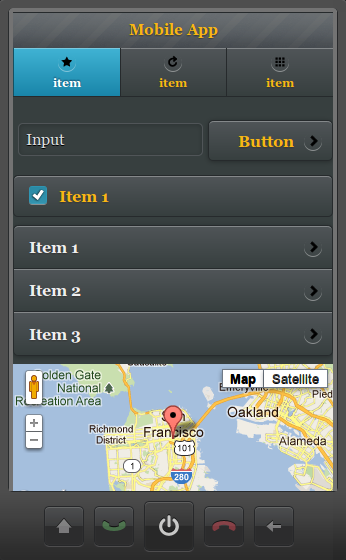
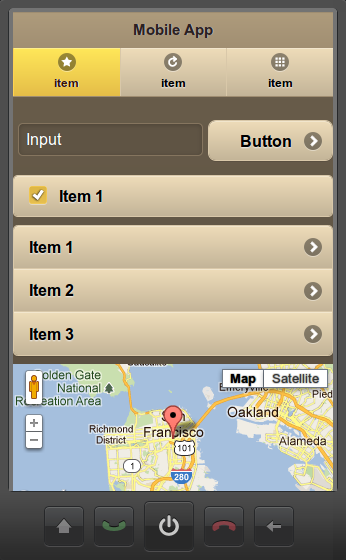
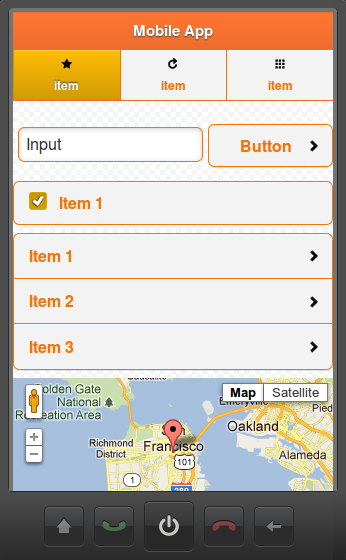
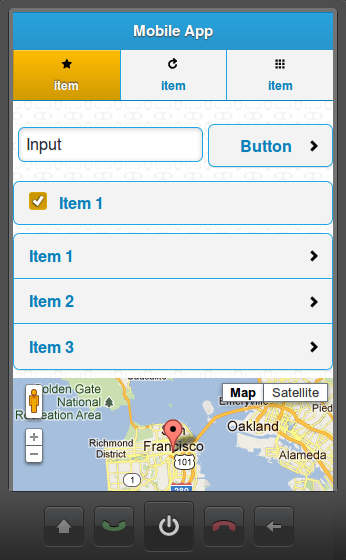
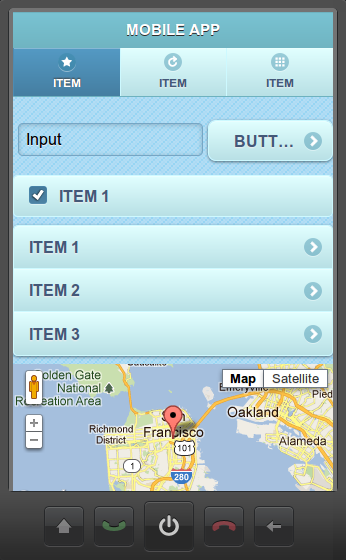
We just added a bunch of new and awesome jQuery Mobile themes and swatches. Here is how the new Tiggzi dark-gray theme looks:
Check out the rest here
Plugins
Plugins make it possible to package services, screens, images as a “plugin” and then add the plugin to any other project. You can even create custom project templates from plugins. A plugin is created by selecting Export > Tiggzi plugin:
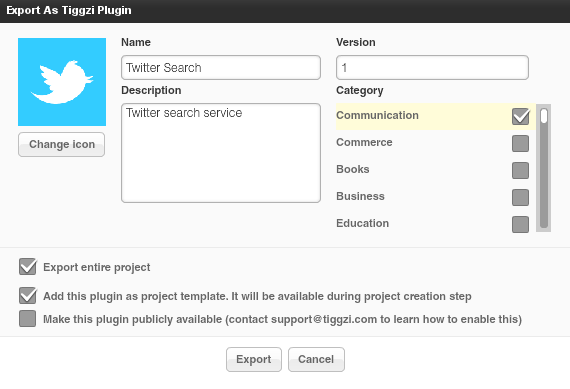
To learn more, read plugins documentation.
Panel - add any custom HTML code
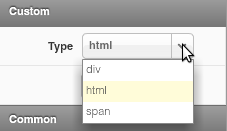
The Tiggzi visual editor is pretty cool but we know very well that being able to insert any custom code is a must have feature. In this release we added a new Panel component which can be.
- div
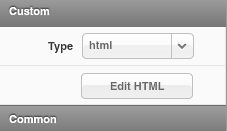
- html (any custom HTML code)
- span
Create Custom CSS
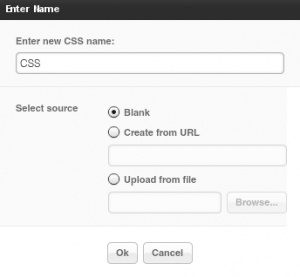
Staying on the topic of customazing your app, in addition to being able to add any JavaScript you can now also create a custom CSS file:
Visual jQuery Mobile-JSON mapper improvements
A number of improvements were were do the visual data mapper. Once a connection is mapped, a grey dotted line appears to indicate to which variable the connection is made. 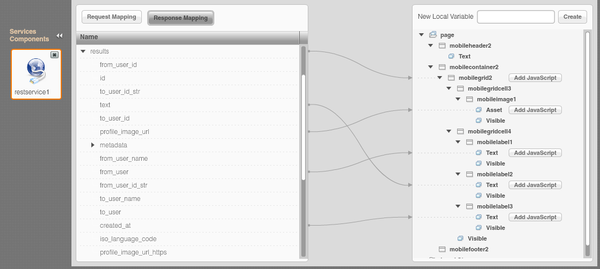
Documentation updated
We spent the last couple of days updating Tiggzi documentation with all the new features. We’d love to hear your feedback. One thing we are definitely going to add is more tutorials!
Posted: March 21st, 2012 | Author: max | Filed under: Features, New release | Tags: features, jQuery Mobile, release | No Comments »
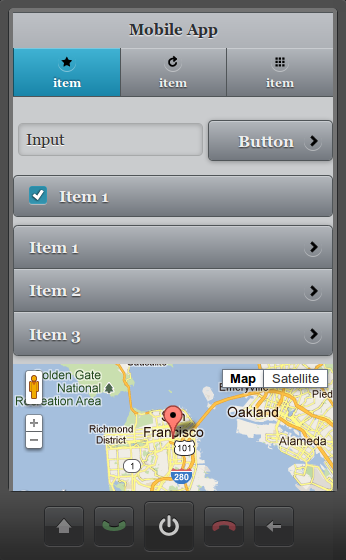
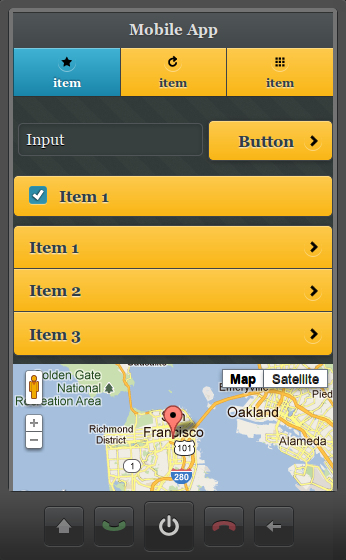
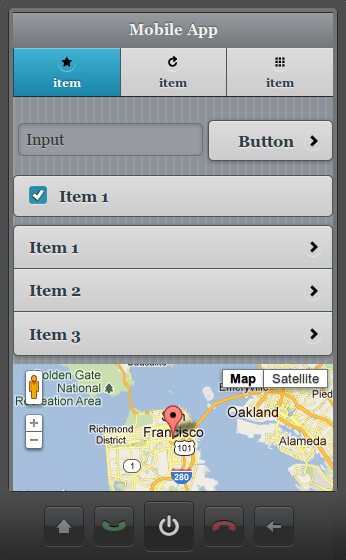
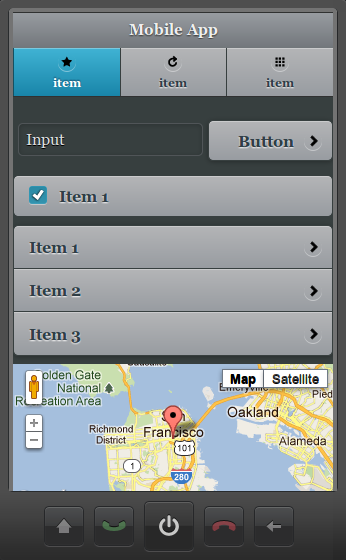
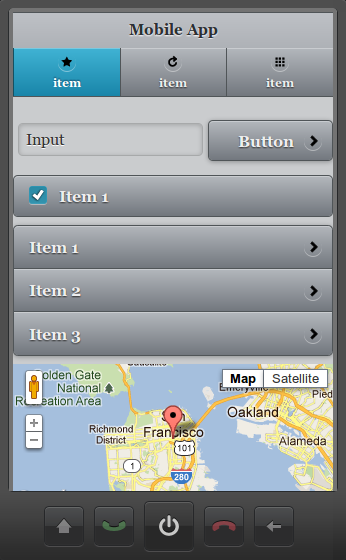
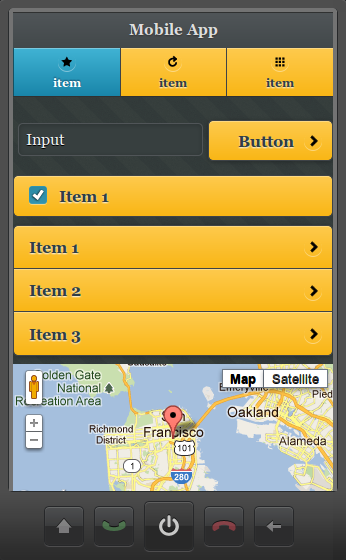
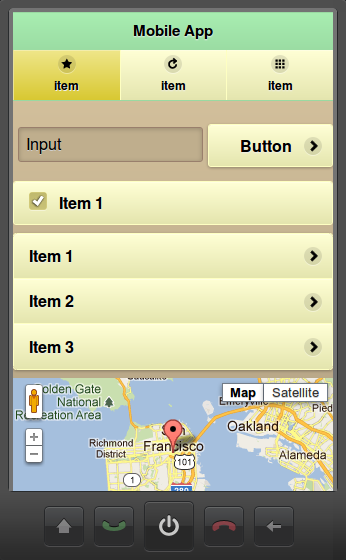
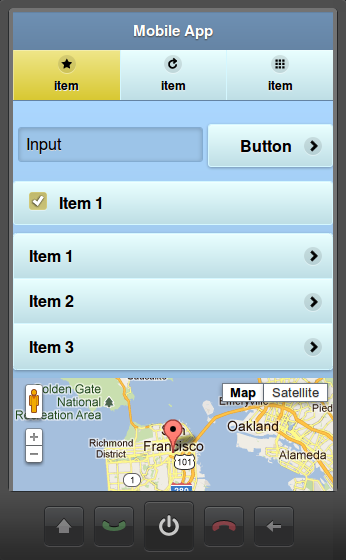
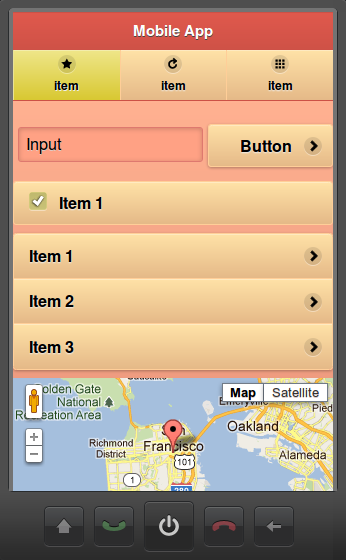
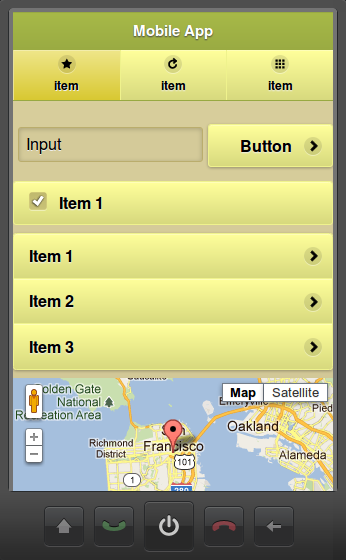
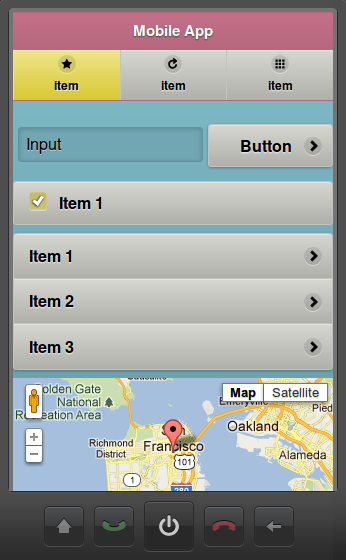
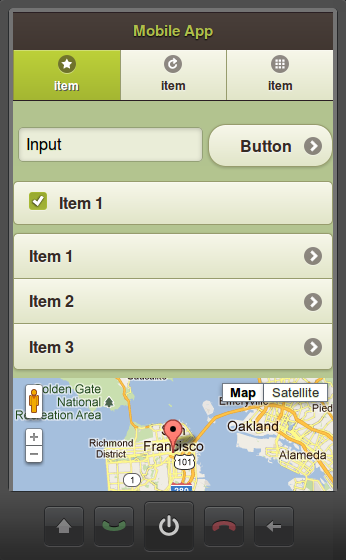
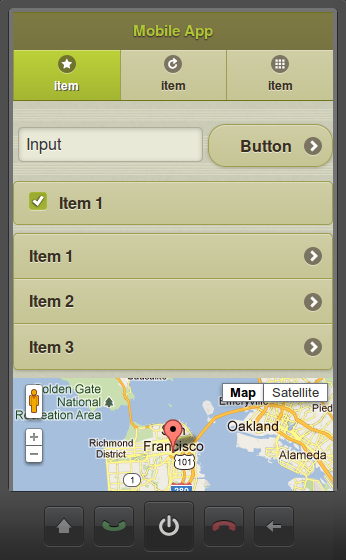
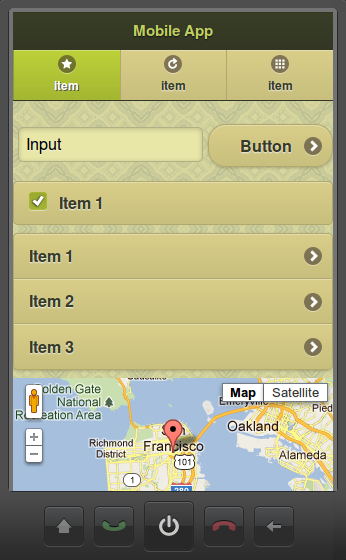
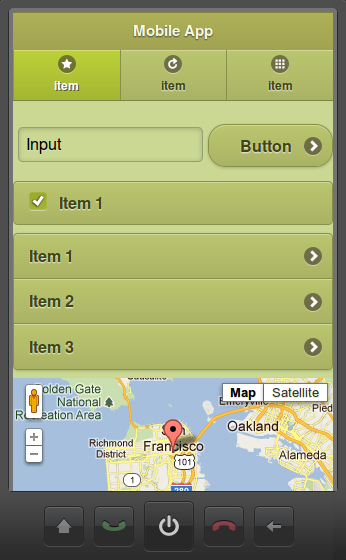
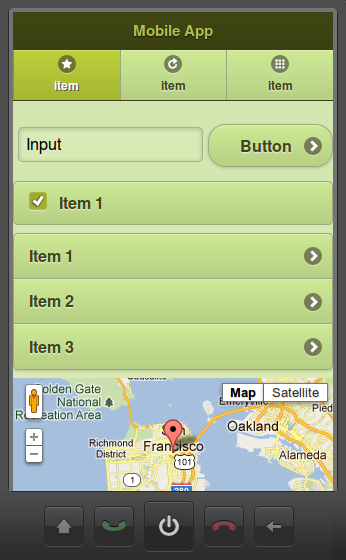
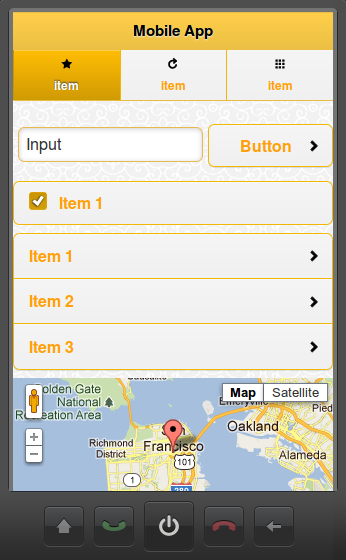
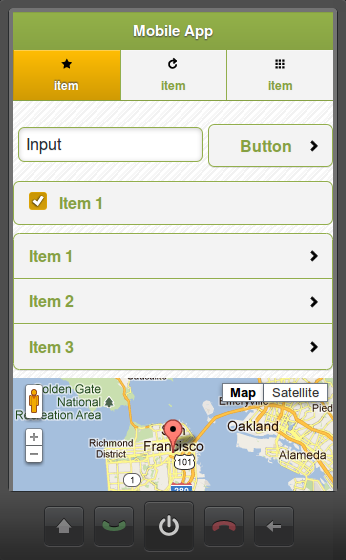
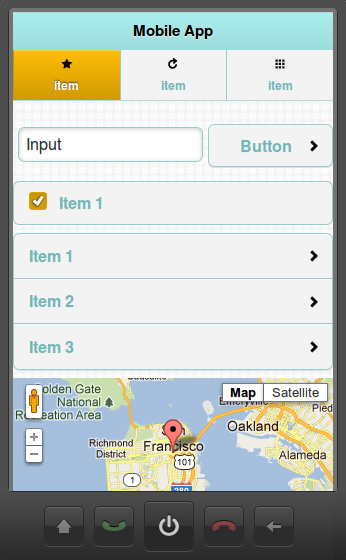
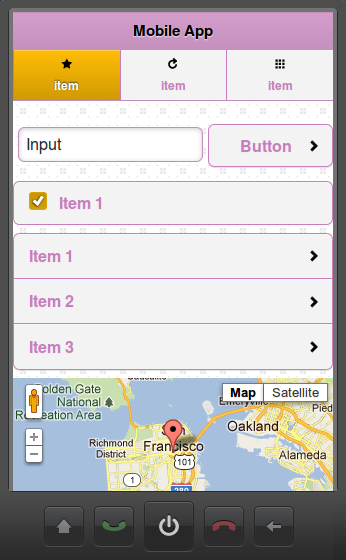
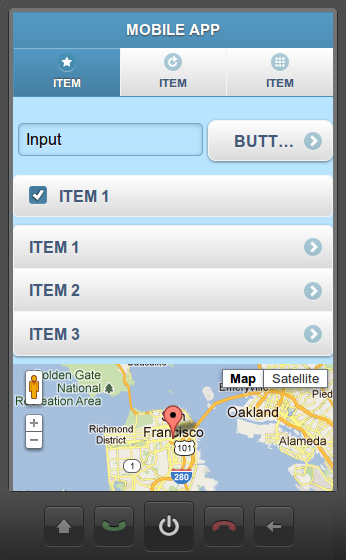
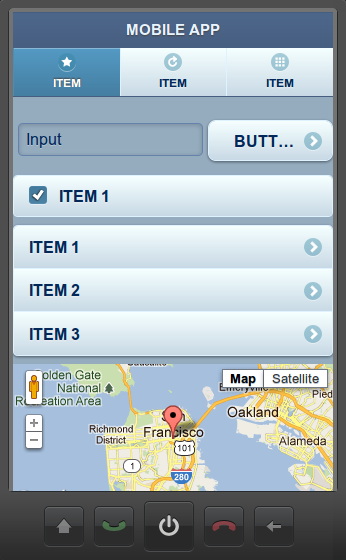
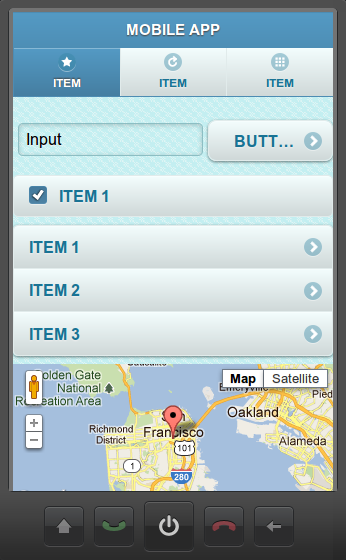
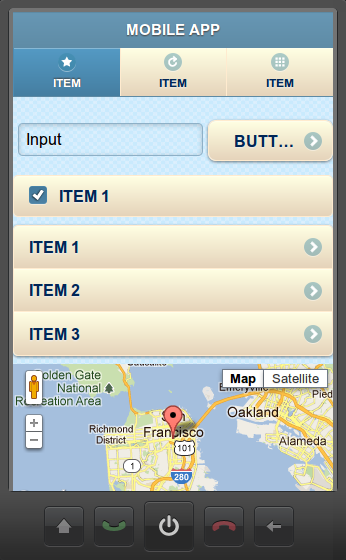
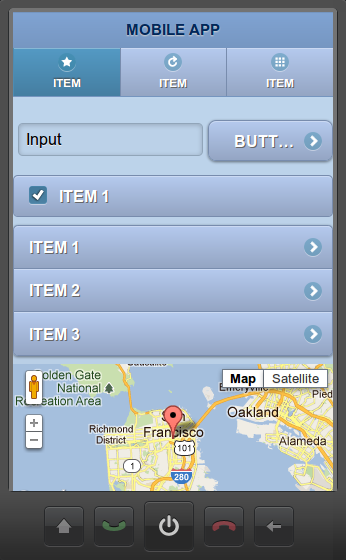
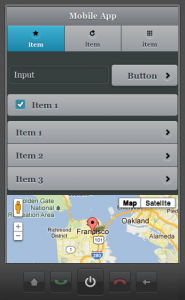
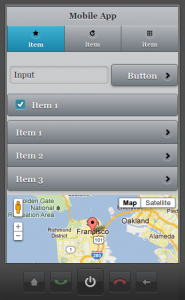
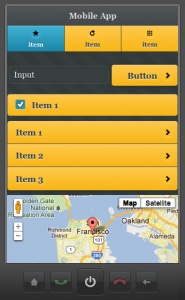
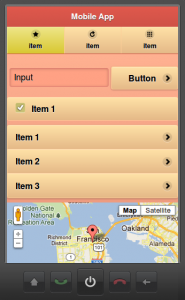
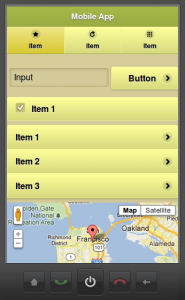
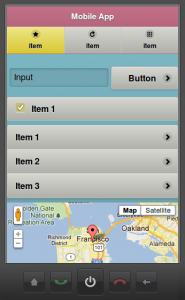
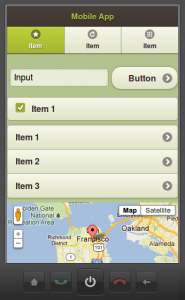
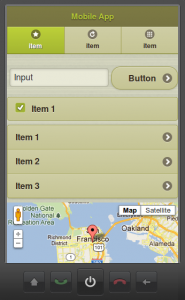
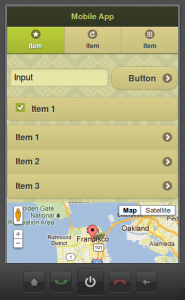
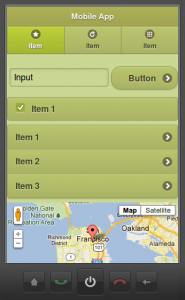
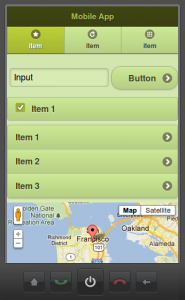
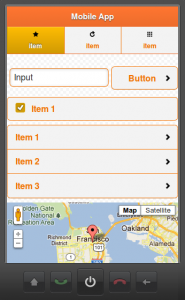
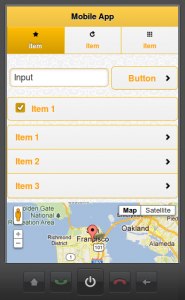
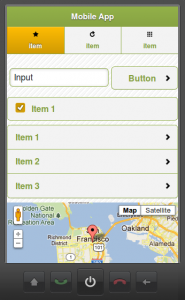
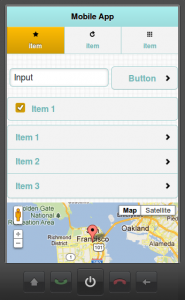
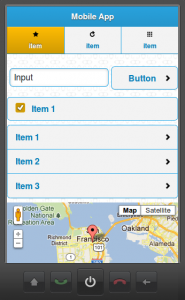
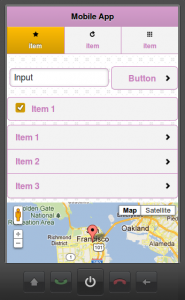
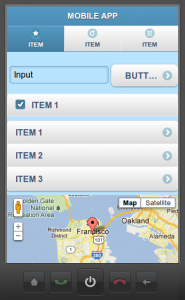
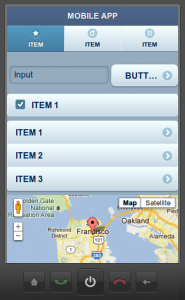
In addition to standard jQuery Mobile themes, we just added a bunch of new and awesome themes and swatches to Tiggzi Mobile App Builder.
Tiggzi Dark-gray themes
-
-
Dark-grey, A
-
-
Dark-grey, B
-
-
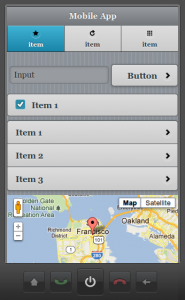
Dark-grey, C
-
-
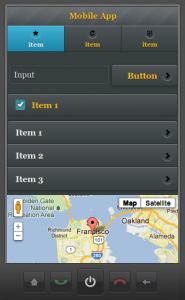
Dark-gray, D
-
-
Dark-grey, E
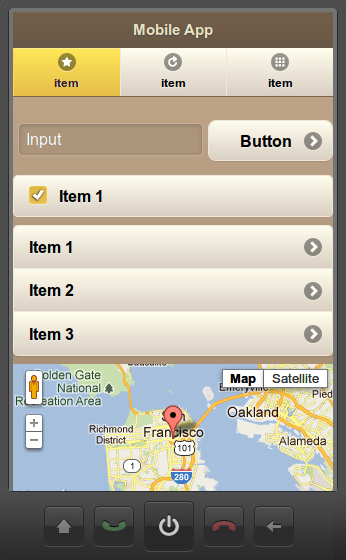
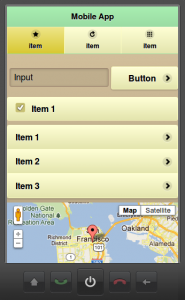
Tiggzi Pastel themes
-
-
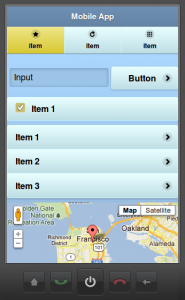
Pastel, A
-
-
Pastel, B
-
-
Pastel, C
-
-
Pastel, B
-
-
Pastel, E
Tiggzi Olive themes
-
-
Olive, A
-
-
Olive, B
-
-
Olive, C
-
-
Olive, D
-
-
Olive, E
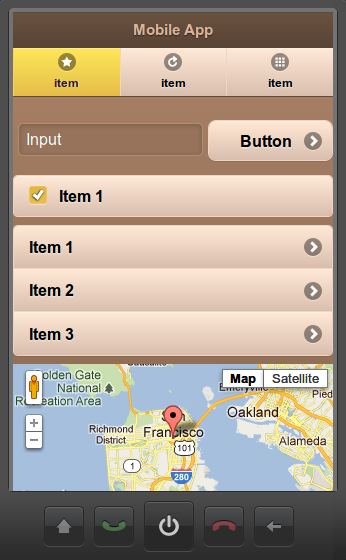
Tiggzi Cappuccino themes
-
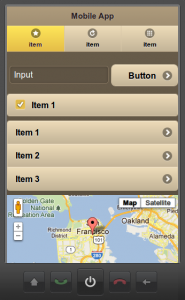
-
Cappuccino, A
-
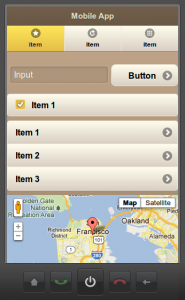
-
Cappuccino, B
-
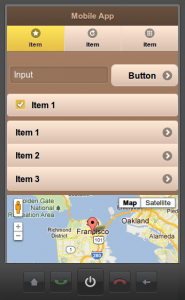
-
Cappuccino, C
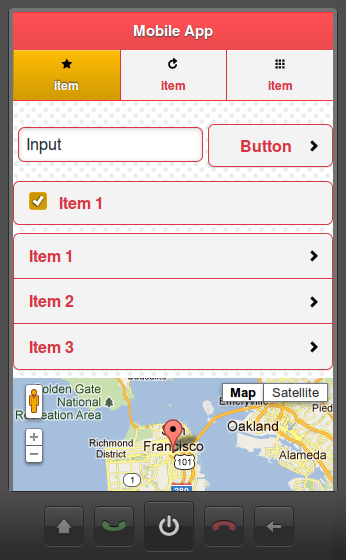
Tiggzi Rainbow-plain themes
-
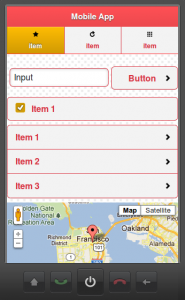
-
Rainbow-plain, A
-
-
Rainbow-plain, B
-
-
Rainbow-plain, C
-
-
Rainbow-plain, D
-
-
Rainbow-plain, E
-
-
Rainbow-plain, F
-
-
Rainbow-plain, G
Tiggzi Winter themes
-
-
Winter, A
-
-
Winter, B
-
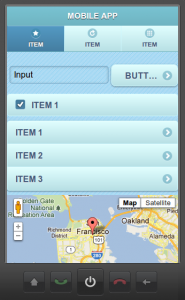
-
Winter, C
-
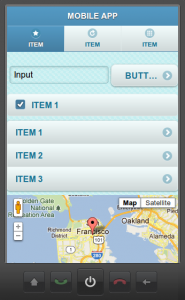
-
Winter, D
-
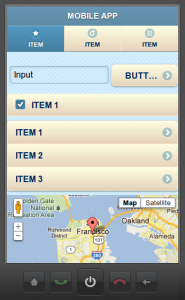
-
Winter, E
-
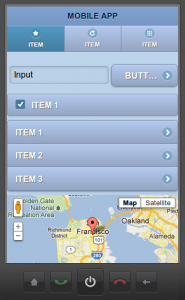
-
Winter, F
You can set the swatch name from screen properties:
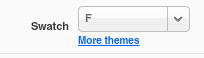
or click More themes link to change the theme:
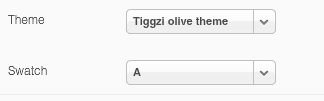
Posted: March 11th, 2012 | Author: max | Filed under: Articles, Features | Tags: article, features | 2 Comments »
Tiggzi, the cloud-based HTML5, jQuery Mobile and PhoneGap mobile app builder come with a very powerful and easy way to define and consume REST services in a mobile app. Inside the builder, you get what amounts to a very easy to use REST services console where any service can be defined, tested, and have its response parameters automatically defined.
Being able to run and test the service from inside the builder is very important as it demonstrates that the service works and data is returned. The next step is usually to make the service available on the page, define UI-service data binding, and then set the service to be invoked on some event. But, when testing the app in a browser, the services sometimes doesn’t work or no data is returned. This creates confusion as the service worked when testing it inside the builder but doesn’t work when invoking from a browser page. The reason this happens is because of the cross-domain security built into browsers.
All browsers have this built into them. Basically, to invoke a service via JavaScript (AJAX) from a domain like mydomain.com, the page from which the service is invoked has to be hosted on that same domain, mydomain.com. When testing an app built in Tiggzi, the page is running on tiggzi.com but the service being invoked is on a different domain like, for instance, search.twitter.com. The browser won’t allow this. This is by design to ensure that no bad or malicious JavaScript code can be used to invoke the service.
What can we do? There are a number of options to make this work.
Hosting the page on the same domain
The most obvious option is to host the page and the service on the same domain. The solution is simple but not very practical today. With the new shift to a client-cloud architecture, many services used in mobile apps today are cloud-based, and are hosted via different API providers and thus are on different domains. Hosting the page and the service on the same domain might work well if services were deployed completely within the same organization.
JSONP (JSON with Padding)
JSONP is the unofficial way many provides solve the cross-domain problem. Instead of making a regular AJAX request which is subject to cross-domain security, the request is made via loading a JavaScript file with a special callback function defined. As loading a JavaScript file is not an AJAX call, it doesn’t fall under the cross-domain security problem. The callback function is then invoked to process the data returned (which is JSON). The URL looks like this:
http://someurl?callback=getthedata
getthedata would be invoked to process the response.
With JSONP, a service can be invoked from a page hosted on different domain. For example, Twitter’s API supports JSONP and thus can be invoked from tiggzi.com hosted pages. However, it’s up to the service to support JSONP and not all services support this feature.
Cross-origin resource sharing (CORS)
While JSONP could be considered a hack or a workaround, CORS is an attempt to create a standard way to solve the cross-domain issue. When a service request is made, the server will include a header parameter in the response indicating that the domain from which the call was made – is allowed to invoke this service. However, it’s up to the service providers to add such support. For example, the Parse mobile back-end service supports this feature and makes it very easy to use their services.
Tiggzi proxy
If none of the above options are available, Tiggzi Mobile App Builder provides a proxy service that works for testing and apps that are hosted on tiggzi.net. When using the proxy, the request is first sent to the proxy server and then, from the server, the request is made to the service. Because the request is sent from the server and not from the page, cross-domain security is not triggered.
Google Chrome with security disabled
Finally, one more option exists, but it’s only useful in development or testing. You can start Google Chrome with security disabled in which case the cross-domain issue is no longer a problem. To start Chrome with security disabled start it with this command line:
chrome –disable-web-security
Mobile Web app vs. mobile app
Everything I just described applies to mobile Web apps - pure Web apps running in the browser. When you develop a PhoneGap app (hybrid app) cross-domain security is not an issue, even though the app is actually running in a browser (albeit a chromeless one).
Next time you are trying a REST service, this should help you understand that’s really happening.
Originally published on Maxa blog.