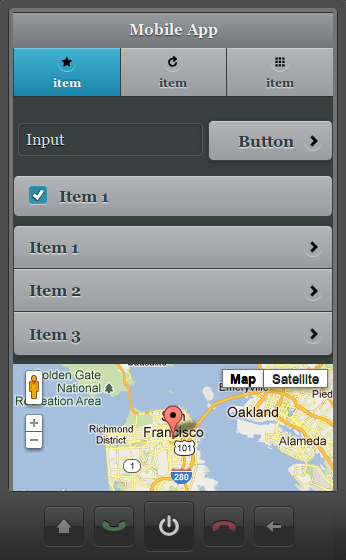
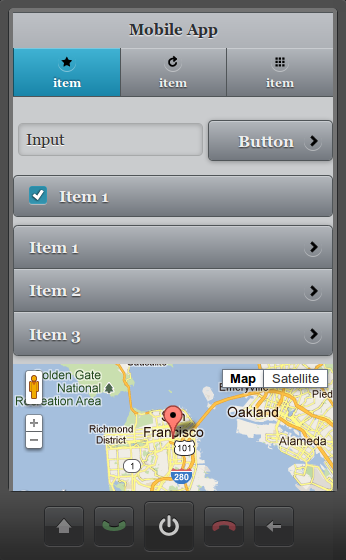
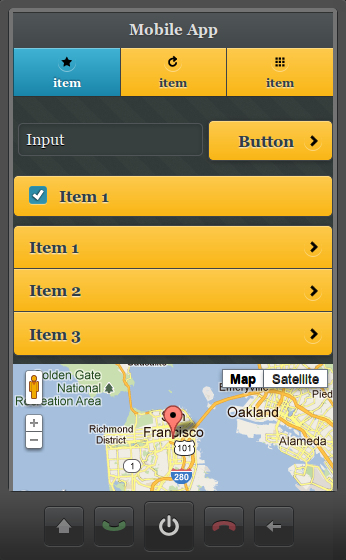
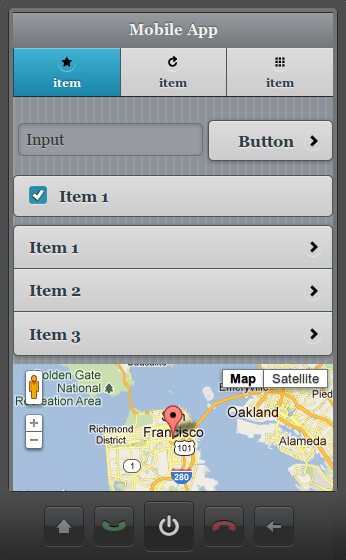
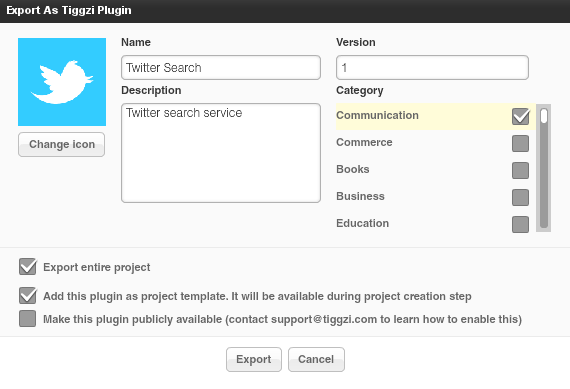
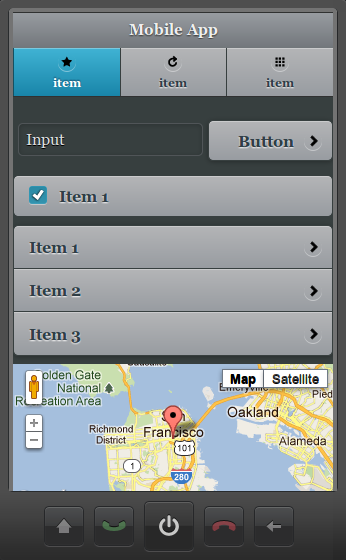
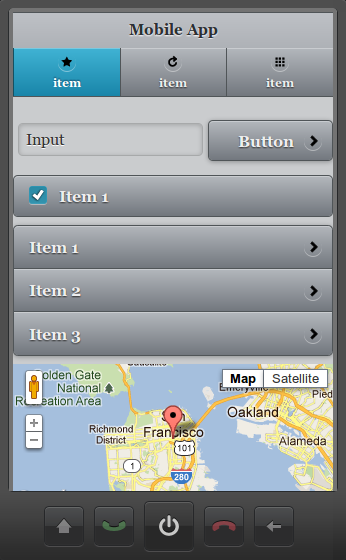
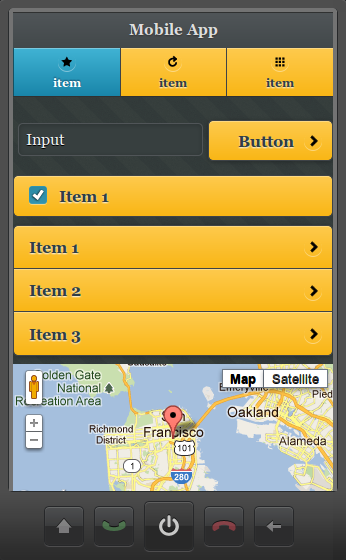
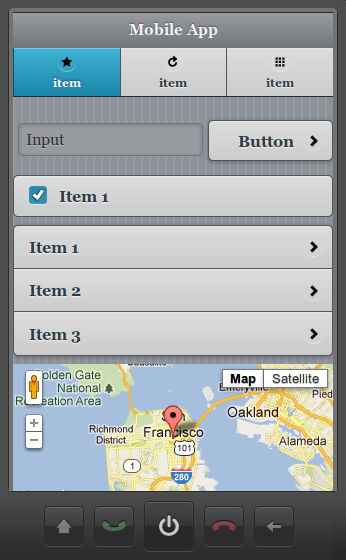
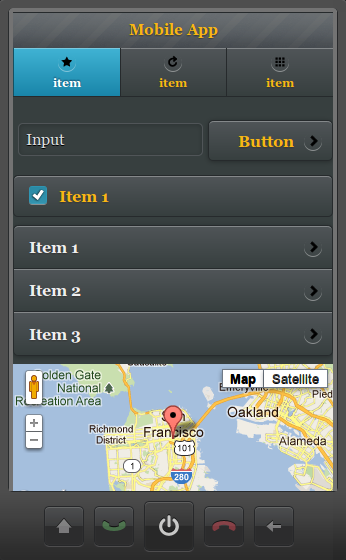
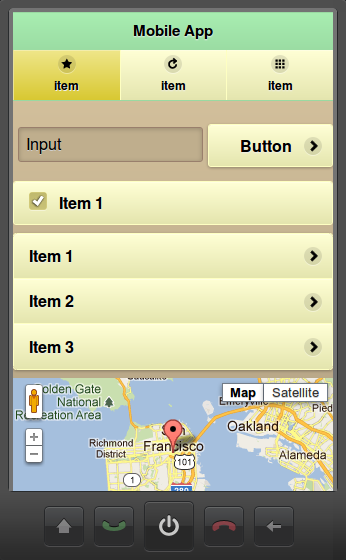
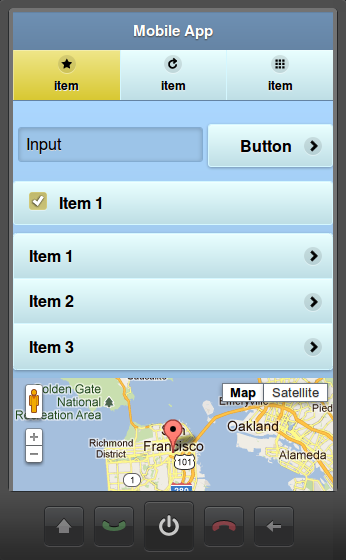
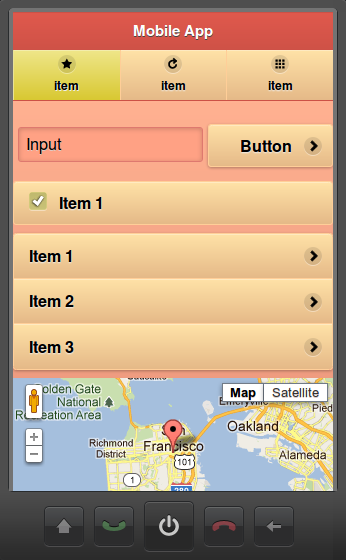
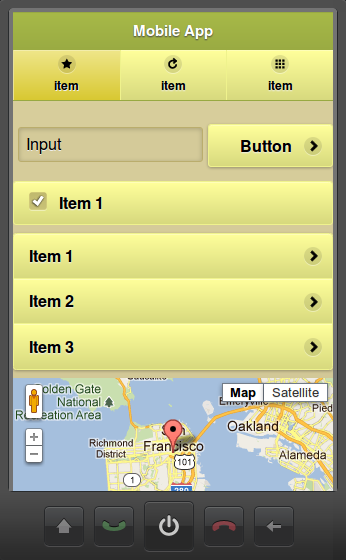
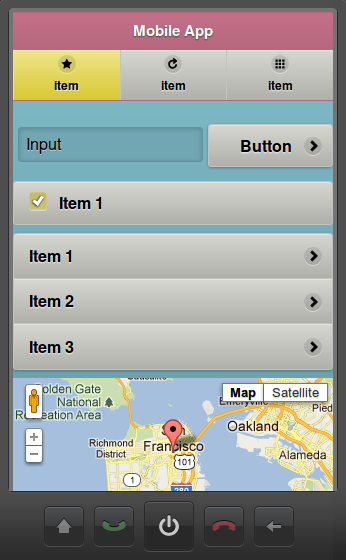
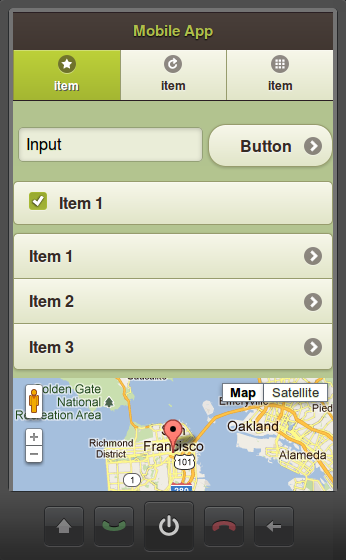
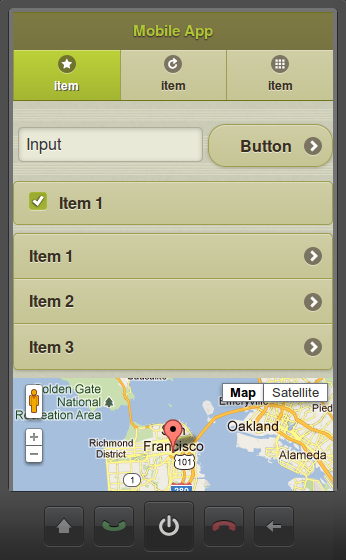
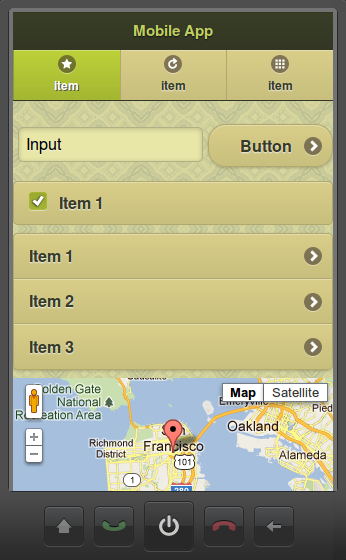
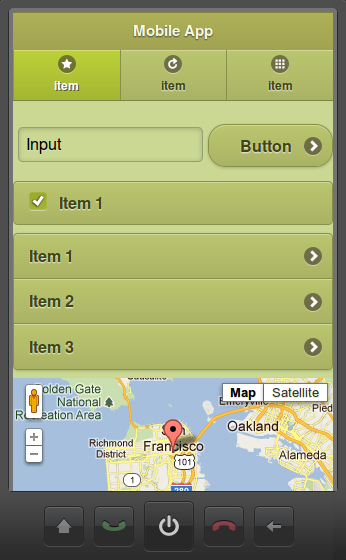
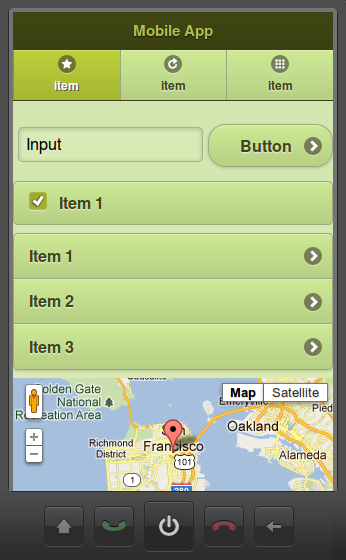
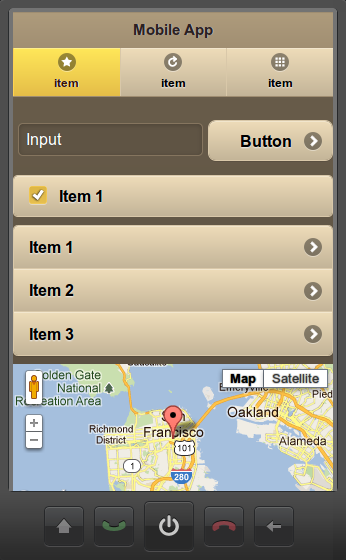
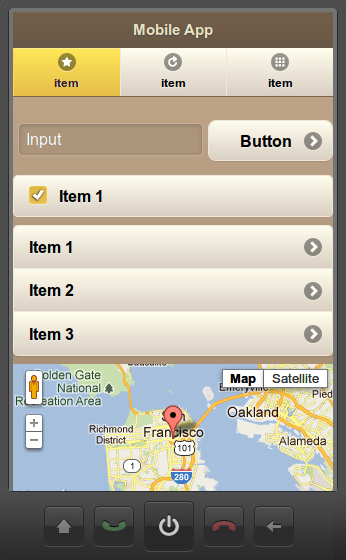
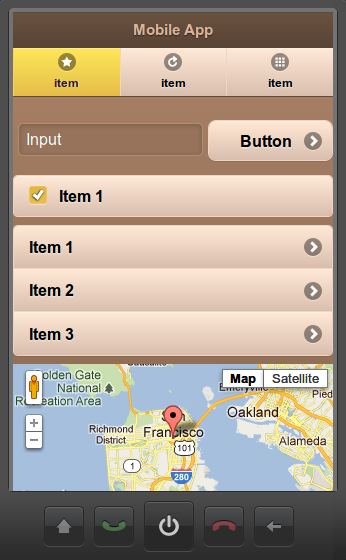
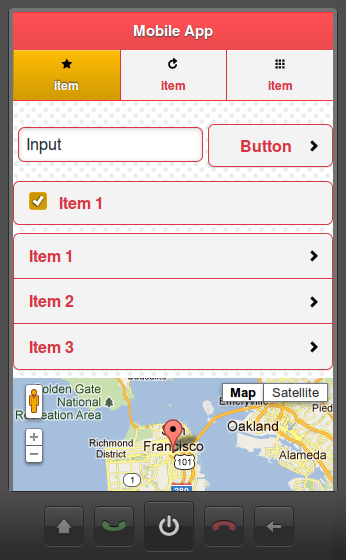
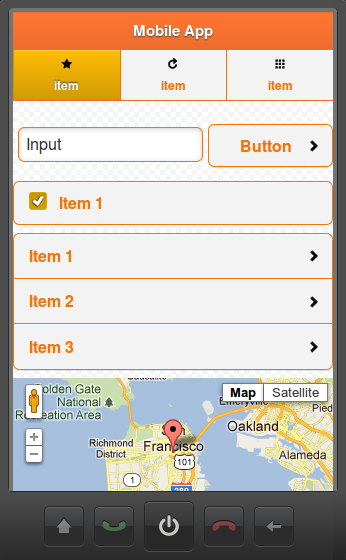
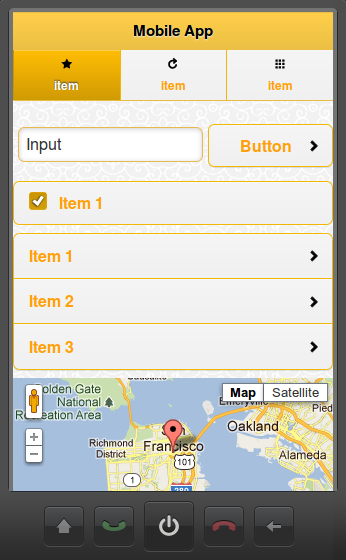
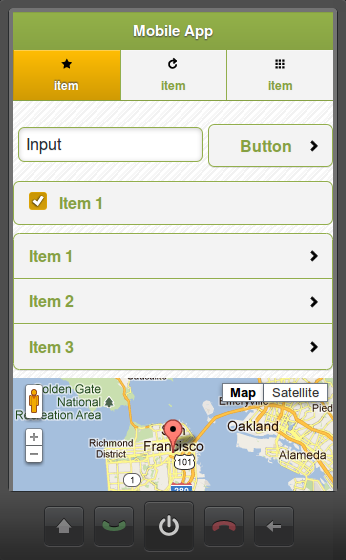
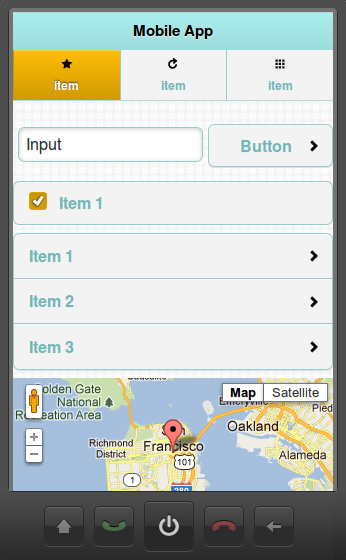
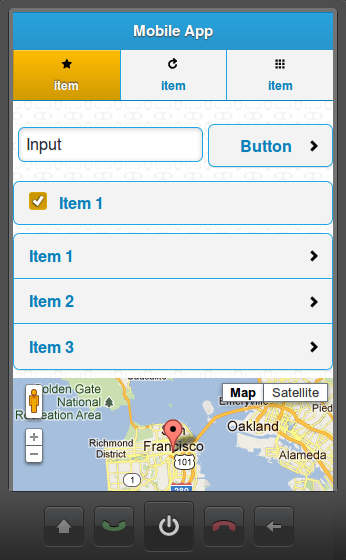
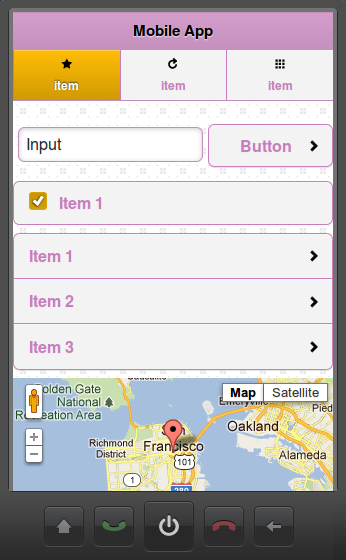
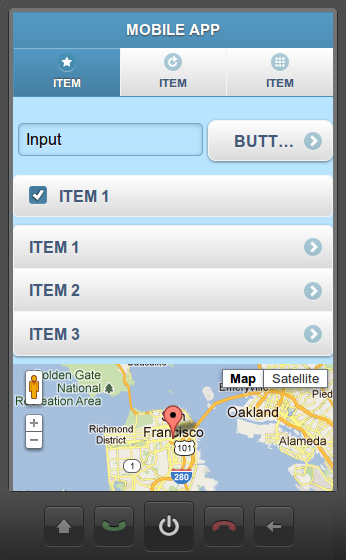
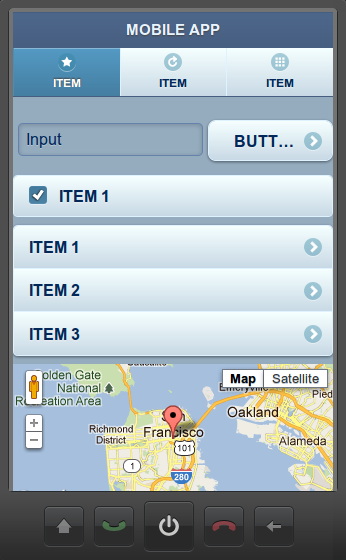
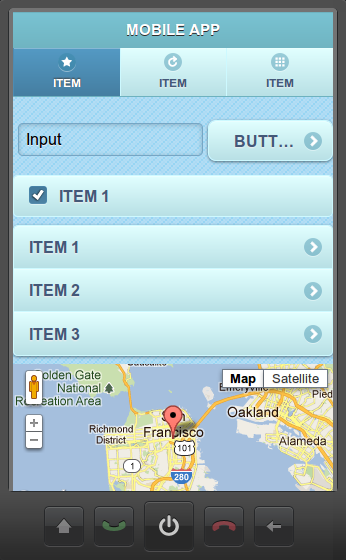
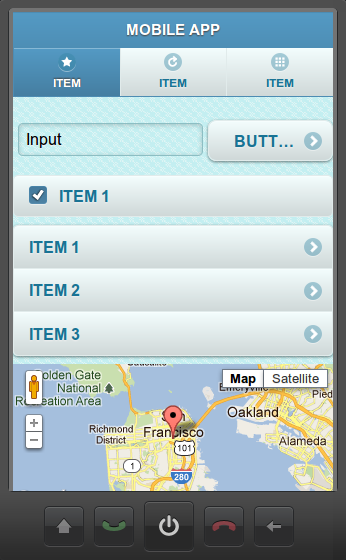
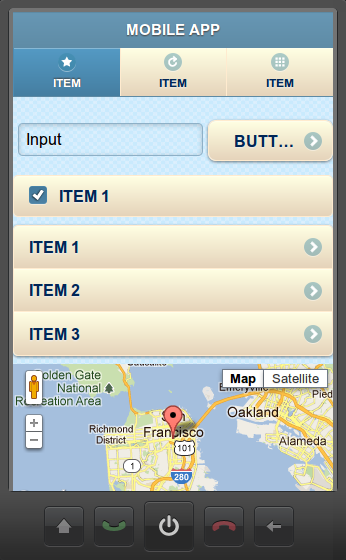
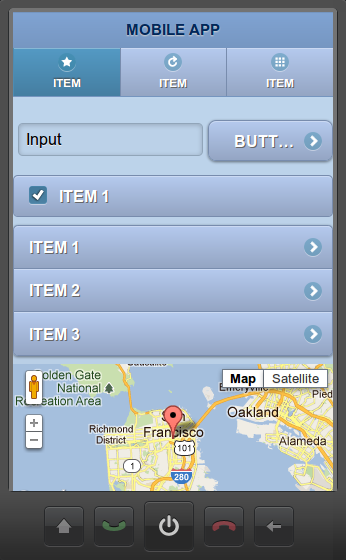
Plugins make it possible to package services, screens, images as a “plugin” and then add the plugin to any other project. You can even create custom project templates from plugins. A plugin is created by selecting Export > Tiggzi plugin:
To learn more, read plugins documentation.
Panel - add any custom HTML code
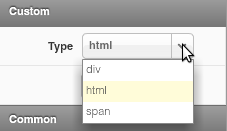
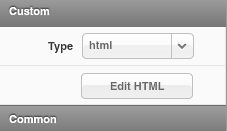
The Tiggzi visual editor is pretty cool but we know very well that being able to insert any custom code is a must have feature. In this release we added a new Panel component which can be.
div
html (any custom HTML code)
span
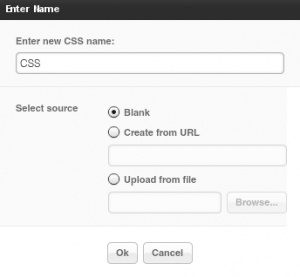
Create Custom CSS
Staying on the topic of customazing your app, in addition to being able to add any JavaScript you can now also create a custom CSS file:
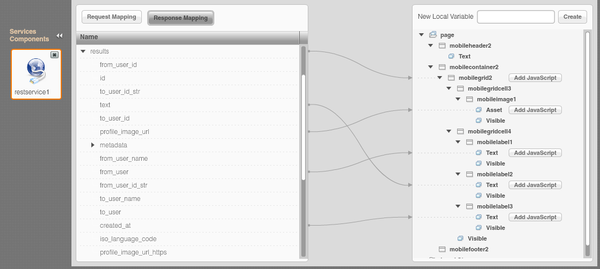
Visual jQuery Mobile-JSON mapper improvements
A number of improvements were were do the visual data mapper. Once a connection is mapped, a grey dotted line appears to indicate to which variable the connection is made.
Documentation updated
We spent the last couple of days updating Tiggzi documentation with all the new features. We’d love to hear your feedback. One thing we are definitely going to add is more tutorials!
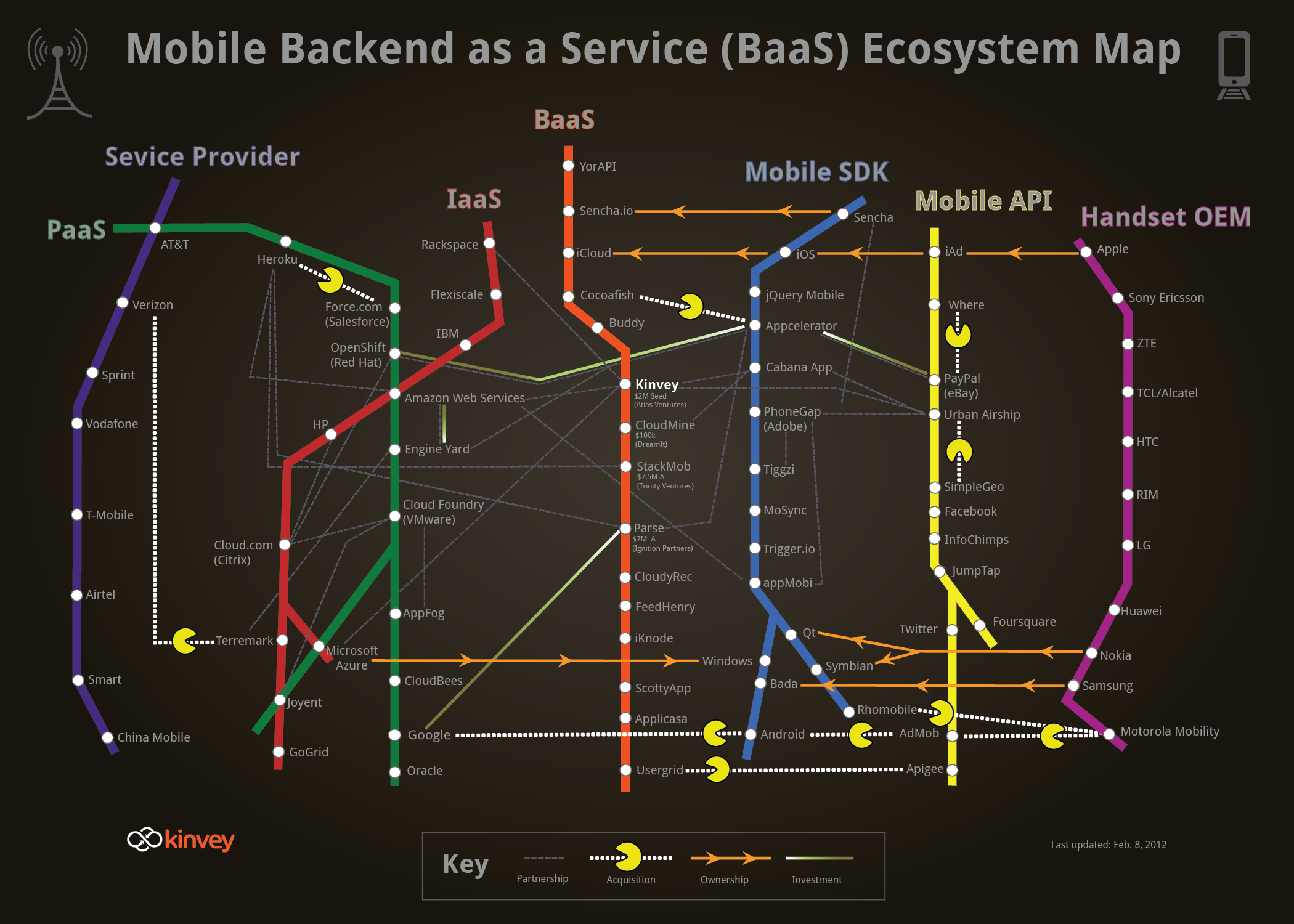
First of all thanks to Kinvey for creating this wonderful map and including Tiggzi in it (blue Mobile SDK line). Tiggzi could actually span 3 different lines: BaaS, Mobile SDK and Mobile API. Tiggzi is a cloud-based HTML5 mobile app builder, so it’s not exactly a mobile SDK. In fact, the technology under the hood is HTML, JavaScript and jQuery Mobile. For hybrid apps, the app can be wrapped in PhoneGap, which also provides access to native device features. So, there is no really “custom” SDK.
Second, from the builder it’s incredibly easy to consume any REST API (yellow Mobile API line). Tiggzi comes with a pretty nice REST services console where any service can be tested. From the same console, the REST service response (structure) can be automatically created. Once the service is defined, it is mapped to jQuery Mobile UI using a visual mapper (UI to service input, service output to UI).
Thirdly, as most BaaS services (orange line) are exposed as REST, HTML5 mobile app built in Tiggzi, can easily connect and use those services.
Lastly, and maybe the most important point is how incredibly fast you can build apps. It sort of all makes sense.. you got cloud-based mobile backend (exposed as REST) and cloud-based app builder to build the apps. It sounds simple.. but a really elegant picture.
This perfectly describes Tiggzi. Tiggzi is cloud-based builder for creating HTML5, jQuery Mobile, PhoneGap, and RESTful mobile apps.
Originally posted: http://mkblog.exadel.com/2012/02/mapping-the-tools-in-the-mobile-development-ecosystem-and-how-tiggzi-mobile-app-builder-fits-in/.
When: November 16, Wednesday, 11am US Pacific Time Register: https://www1.gotomeeting.com/register/466425672
One of the great things about Tiggr Mobile Apps Builder is its support for end-to-end development, going all the way from an idea in one person’s mind to an app running in thousands of phones. In this webinar, we’ll show you exactly how it’s done (and how easy it is) by walking you through a hands-on example. The focus will be on exporting options for apps. In this case, we’ll export an Android binary (.apk) and publish to the Android Market. Of course, we’ll quickly build an app first, so you can learn or refresh your memory about how to build the UI with jQuery Mobile, connect to REST services, and test the app.
We just returned from app world conference in New York which was a great success. Next week we are heading to 2 more great events: AnDevCon conference and Mountain View JavaScript Meetup.
AnDevCon
Tiggr Mobile Apps Builder (Exadel) is going to be at AnDevCon II (The Android Developer Conference) in San Francisco Bay Area, November 6-9. Stop by our booth and learn how to build Android apps ready for the Android Market using cloud services, all in about 5 minutes. It’s really awesome, I promise.
Mountain View JavaScript Meetup Group
Building apps with Tiggr, A Cloud Service for Building Mobile Apps
Wednesday, November 9, 2011, 7:00 PM
In this cool session you will learn how to build HTML5 and native apps using Tiggr. Tiggr is a cloud-based mobile apps builder that uses HTML5, jQuery Mobile, REST, and PhoneGap to build apps. A real mobile app will be built during the session, which attendees will be able to run and test on their own devices.
Navigating between pages in Tiggr is very simple. You first add an HTML event to a component, such as click for a button, and then add Navigate To Page action where you select the page to navigate:
This works very well, but it will replace the entire page. An alternative way to navigate or transition between pages is to use jQuery swipe transition which in my opinion looks better. Here is how to do it. You use the same event, such as click for a button. Then, we add Run Custom JavaScript action with the following code:
1
navigateTo('end','s');
The first argument is the page name. The second argument indicates that a swipe transition should be done. That’s it. You are probably wondering why not do this via Navigate To Page action? It will be possible soon. We are going to add a check box so you will be able to select what type of transition you would like, a page replace or swipe. For now, this is a very simple work around.
Ask anyone involved in making applications as a developer or a customer: Would you like to see how the app looks and behaves before we actually build it? The answer is an overwhelming yes. We humans are very visual. For us, to understand something better, we would rather look at a prototype than just read a description. That’s exactly why prototyping is hugely important today.
Even though prototyping is crucial to any project, a real prototype is rarely fully developed. Why? There are a number of reasons. First, lack of the right tools. Second, most of the tools that do exist today just enable you to create a static mockup. And third, some believe it’s a waste of time, as the real app usually looks very different from the prototype, so why even bother with it. These are all valid concerns, but a new prototyping tool solves these problems. This prototyping tool is Tiggr Mobile Apps Builder.
Tiggr is cloud-based service for building mobile apps. It enables you to quickly and easily build real mobile Web and native apps, entirely in the cloud. Mobile prototyping and prototype testing is a major part in this cloud-based service.