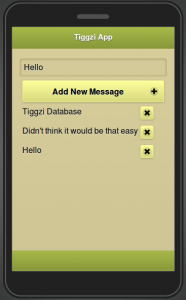
As you probably know, we launched Tiggzi Database a few weeks ago. In addition to docs, we just published a tutorial on how to build an app connected to Tiggzi Database. You will learn:
Creating a new Tiggzi database, inserting sample data
Displaying messages in the app from the database (via REST API)
If you run/test your app on Android you probably noticed that there is flickering or jumping when navigating between pages (there is no such issue on iOS). Here is a quick way to get rid of flickering.
Add the following JavaScript (Create New/JavaScript):
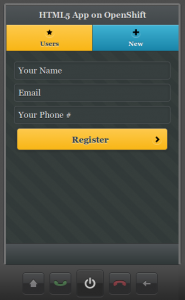
We just published a new tutorial that shows you how to build an HTML5 mobile app connected to OpenShift REST API. It’s based on this example.
The app has two pages, and two services. One service gets the current list of users. The second services creates a new user. Give it a try and let us know if you have any questions!
We recently updated a number of help documents. Here is a summary of what has been updated:
Roadmap and Release Notes - we promise to keep them up to date from now on!
Building a Mobile App Connected to Parse.com Mobile Backend
Using Video component
Using Camera component
Using Geolocation component
Building and running iOS app on a mobile device
Creating a dynamic drop down list with jQuery
As always, if you have any questions or would like to cover a topic in a new tutorial, let us know on the forum, on Twitter, Facebook, email, or right here.
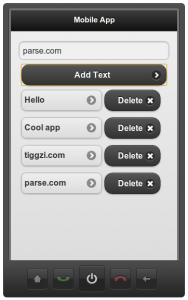
We just published a new tutorial on how to build a mobile app in Tiggzi connected to mobile backend hosted by Parse. Parse makes it super easy to create a mobile backend and expose it via REST. In Tiggzi app builder, consuming any REST service is as easy.
Give it a try here.
The final app is shown on the left. The app shows a list of text messages, you can add and delete text messages.